GG
By
Published Mar 13, 2015


No headings found
Google street view is probably the best option for people to sit on their couch and virtually visit incredible places. Street view is basically the 360 view of the place made with photo sphere or by combining panoramas.
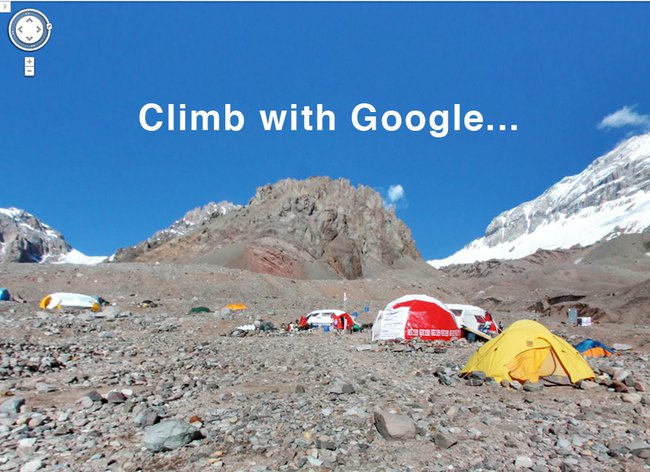
Google’s latest trek to Nepal and the surroundings of Mount Everest has resulted in mesmerizing photos of the area and on Thursday released those shots on street view of Google maps. On this trek with Google, the team of Apa Sherpa (Who holds the world record for reaching the summit of Mount Everest 21 times) and his Apa Sherpa Foundation along with Story Cycle was present. The images aren’t just of the massive mountain but of the communities that surround it as well.
[su_youtube_advanced url="https://youtu.be/XGSIU39Y7WU" autohide="no" theme="light"]
Step By Step Procedure for using the Google Street View: -You need to have Google Maps app on you device. If you are on pc, you can access it from https://maps.google.com -Type the place you want to see in the search bar. For eg: We searched for Namche Bazaar. Then press the white tab that is seen on the bottom of the screen. -After you press the white tab, you’ll see a screen same as shown below: if that location has street view option, you can select and see it."Partnering with Google Maps allowed us to get important local landmarks on the map and share a richer view of Khumbu with the world, including local monasteries, lodges, schools and more, with some yaks along the way"- Sherpa writes over at Google Maps’ blog.
Article Last updated: March 13, 2015