For years, Gmail had one very annoying limitation: once you created your Gmail address, you were basically stuck with it forever. And I think a lot of people can relate to this. Maybe you made your Gmail account when you were in school. Maybe it still has a random nickname, old gaming name, or a bunch of numbers that looked cool back then but now feel embarrassing. When you're applying for jobs, talking to clients, or running a business, that email address suddenly becomes much more important.
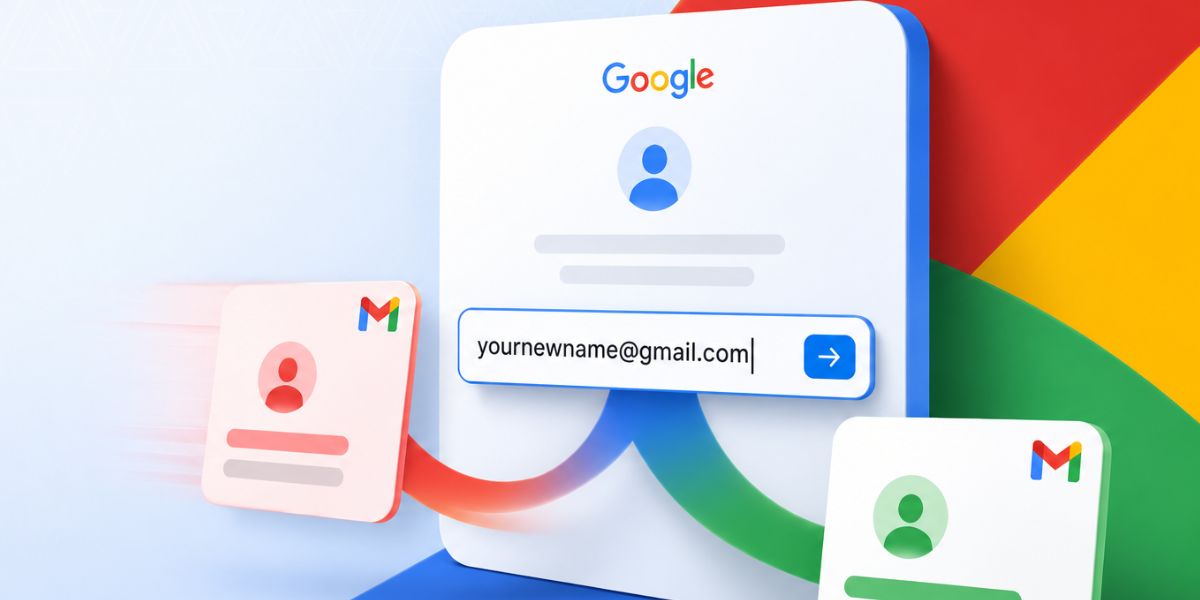
The good news is that Google has finally started rolling out a feature that lets users change their Gmail address without creating a completely new Google account. The feature was initially introduced for users in the US, but I can now confirm that it is available in Nepal as well. If your account is eligible, you can now change your Gmail address while keeping the same Google account.
Why This Matters
Your Gmail address isn't just for sending emails anymore. It is probably connected to almost every online service you use. That includes Google Drive, YouTube, Google Photos, Android phone backups, Streaming services, and "Sign in with Google" on hundreds of websites. That's why changing your Gmail address has never been easy.
Previously, if you wanted a more professional Gmail address, your only option was to create an entirely new Google account. That meant forwarding emails, moving contacts, updating login information everywhere, and managing two separate accounts.
Thankfully, that's no longer necessary. With this new feature, your new Gmail address becomes your primary email, while your old Gmail address stays linked to the same Google account as an alternate email.
That means you keep your emails, photos, files, contacts, YouTube history, and everything else connected to your Google account.
How to Change Your Gmail Address
Changing your Gmail address only takes a few minutes if your account supports the feature.
| Step | What to do |
|---|---|
| 1 | Open Gmail and sign in to the account you want to change. |
| 2 | Click your profile picture and select Manage your Google Account. |
| 3 | Go to the Personal info tab. |
| 4 | Scroll to the Email section and tap Google Account email. |
| 5 | If eligible, select Change Google Account Email. If not visible, the feature may not be available for your account yet. |
| 6 | Enter a new available @gmail.com address and click Change email. |
| 7 | Confirm the change. Your new Gmail address will become your primary Google Account email. |
What Happens to Your Old Gmail Address?
Thankfully, your old Gmail address doesn't disappear. Instead, it becomes an alternate email connected to the same Google account. That means:
- Emails sent to your old address will still arrive.
- Nobody else can claim your old Gmail address.
- In many cases, you can still sign in using your old email.
- You may even be able to send emails using your old address.
Can You Change It Again?
Not really. Google lets you switch back to a previous Gmail address if needed. However, if you want to create another brand-new Gmail address again, you may have to wait up to 12 months. So I would recommend choosing your new email username thoughtfully.
Final Thoughts
I honestly think this is one of Gmail's most useful updates in years. A lot of us created our Gmail accounts over a decade ago without realizing they'd become our digital identity. Being able to move to a cleaner, more professional email address without losing years of emails, photos, files, and account history is a huge quality-of-life improvement.
The best part is that your old Gmail address doesn't disappear. It stays connected to your account, continues receiving emails, and nobody else can claim it. If the feature is already available on your account, I would definitely recommend checking it out. Just make sure you choose your new Gmail address carefully because this isn't something you will want to change every few weeks.
Article Last updated: June 26, 2026