The Dell Vostro 5471 is a trendy looking, lightweight business laptop. But does this device deliver powerful performance or is it just about looks?

Why Trust Gadgetbyte?
At Gadgetbyte, we invest substantial hours into rigorously testing each product or service we review, guaranteeing that you make informed purchases. Learn more about our testing process.
Review Overview
4.1
The Dell Vostro 5471 is a very portable, well-performing laptop with good thermals and a decent display. It even has an entry-level graphics card for basic graphical needs, alongside a good set of keyboard and trackpad. Generally, it's a pretty great laptop for all the basic users out there who just want a laptop for word processing, lightweight photo editing, and a really good set of connectivity options to go with it.
Build and Design
8/10
Display
8/10
Performance
9/10
Gaming Performance
6/10
Thermals
9/10
Storage
7/10
Keyboard and Trackpad
9/10
Connectivity
9/10
Battery
8/10
Specs of Dell Vostro 5471
- Display: 14″ Full HD (1920 x 1080) resolution IPS technology
- Processor: Intel Core i7-8550U
- Graphics Card: AMD Radeon 530
- RAM: 8GB DDR4
- HDD: 1TB
- Weight: 1.6kgs
- Battery: 65Whr (load 1h/idle 4h)
- Price: Rs 1,00,000
- ▶️Available at Big Byte, Putalisadak (9851183182)
Build and Design
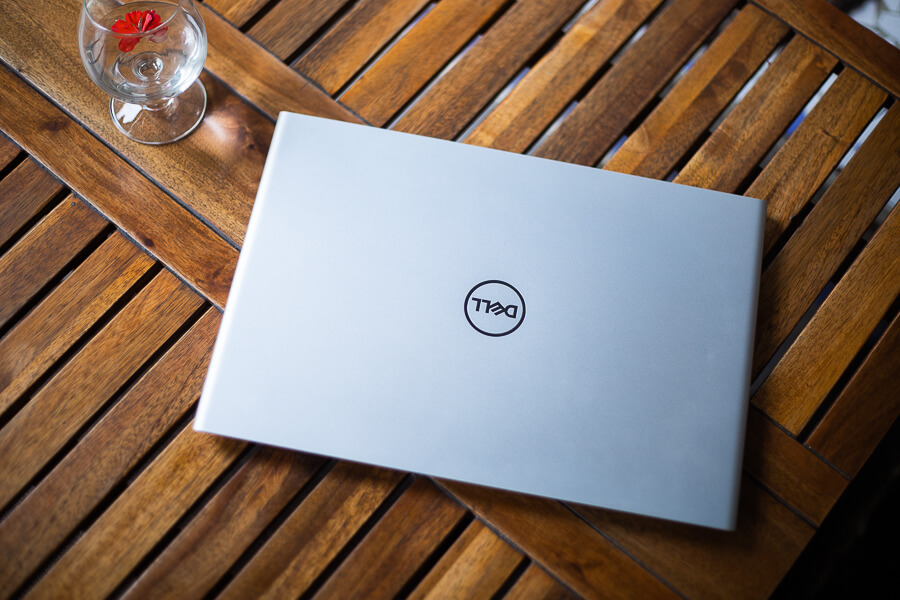
The looks did succeed to impress me. The 14-inch laptop shows off rounded corners at the edges that don’t go out of notice. The notebook is slim and lightweight which has surely aided my activity of carrying it around every time. Well, I have never had to break a sweat trying to fit it in my bag!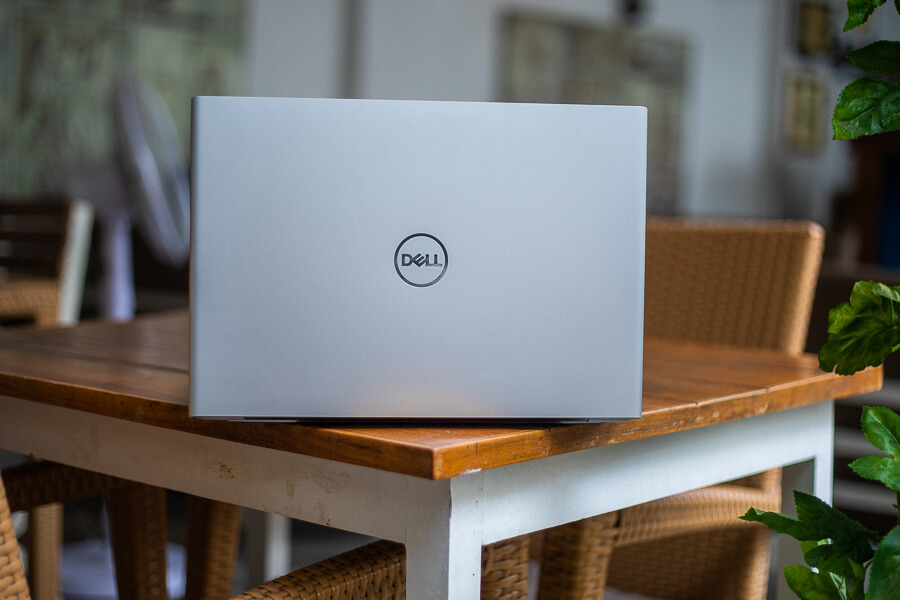
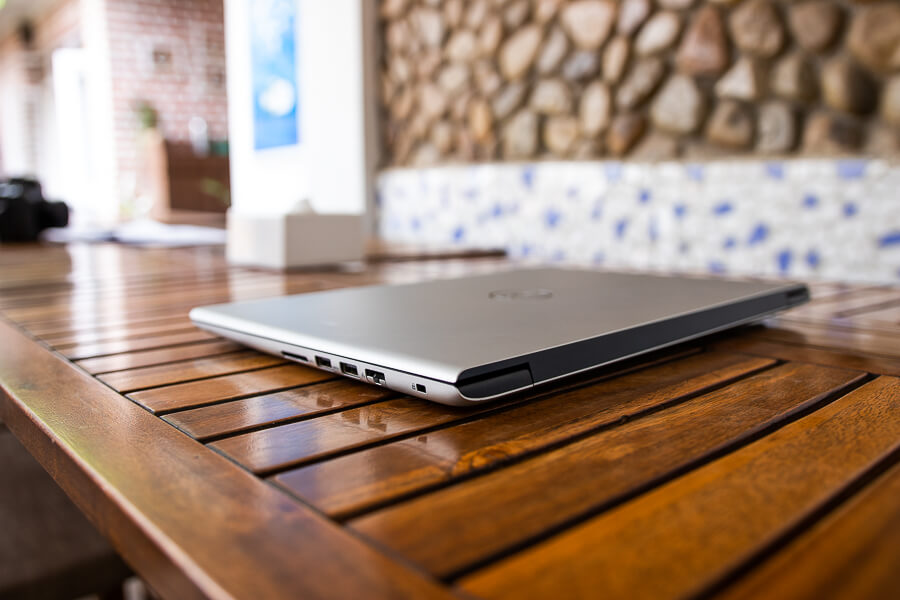
Display
The Dell Vostro 14 5471 features an IPS Full HD display that greets you with excellent viewing angles and a bright and vibrant display. Additionally, you also get an anti-glare feature that helps you prevent possible eye strain. Colours on this device seem bright and vibrant. I have loved watching videos and movies on this device.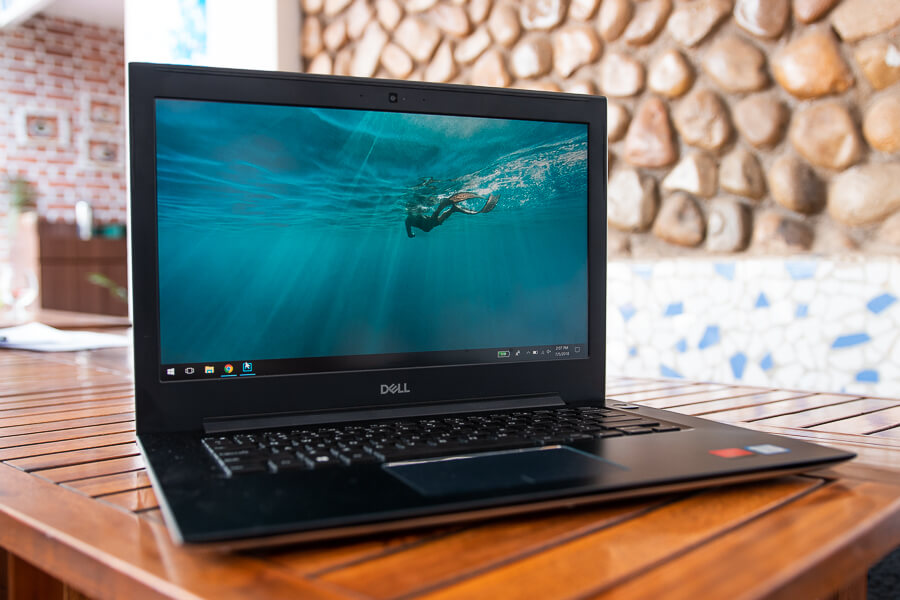
Performance
The Dell Vostro 14 5471 is powered by Intel’s 8th generation Core i7-8550U CPU coupled with an independent AMD Radeon 530 graphics card that handles the graphics of this device. Likewise, the 8 GB DDR4 RAM that comes with this device is ample for usage. On day to day use, I have had no complaints with this device what so ever as this one provided me with speedy performance. Regular works including using Chrome, Microsoft office run like a breeze. I have also run Photoshop on this device and to my surprise, it ran quite smoothly. What was even more surprising is that Photoshop ran quite well with Illustrator running alongside it.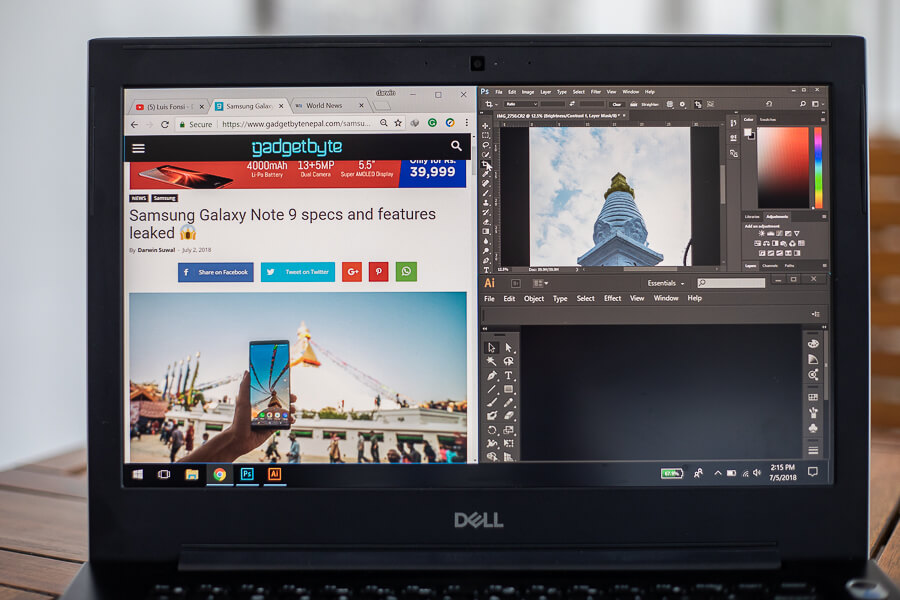
Gaming performance
All the impressive performance was until I started gaming on this device! The gaming performance of this device is, what I would like to say disastrous. First I played CS-G0, which ran at around 60 fps at medium settings at 1080p resolution. Now, this is not a very demanding game so I had more expectations for the laptop.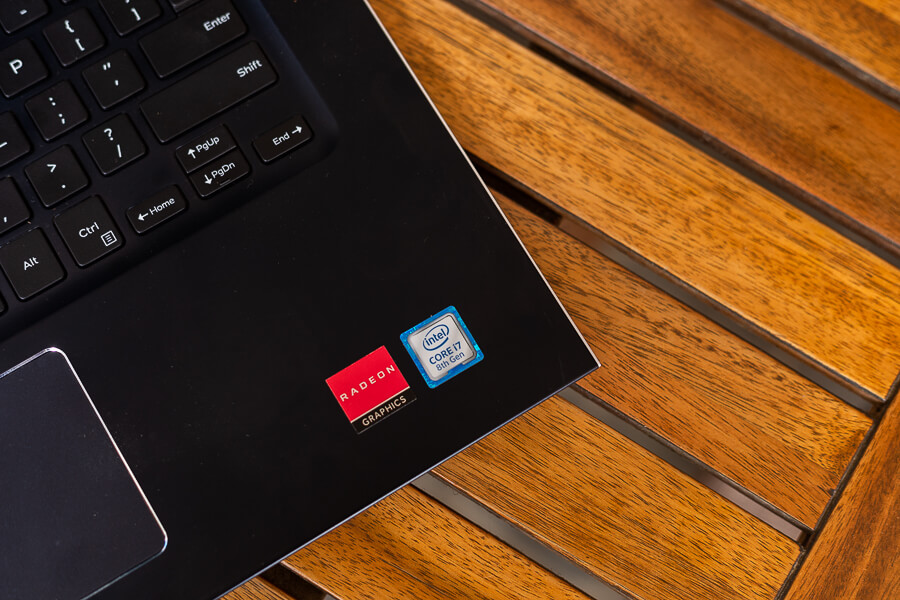
Thermals
The laptop did heat up a little, although the surface temperatures never went above 50 degrees at any point, even under the most extreme loads. Under normal usages like Microsoft Word, Chrome and other stuff, the temperatures were totally usable. Neither did the laptop throttle up to a point where it was actually noticeable. Read More: MacBook Pro lineup refreshed for 2018Storage & Connectivity
It has a 1TB hard drive, with an option to opt-in for an SSD. The hard disk did not feel slow at any point and app opening time was also fine. I would still put in an SSD for myself, but for the purpose, most will hardly care.
Keyboard and Trackpad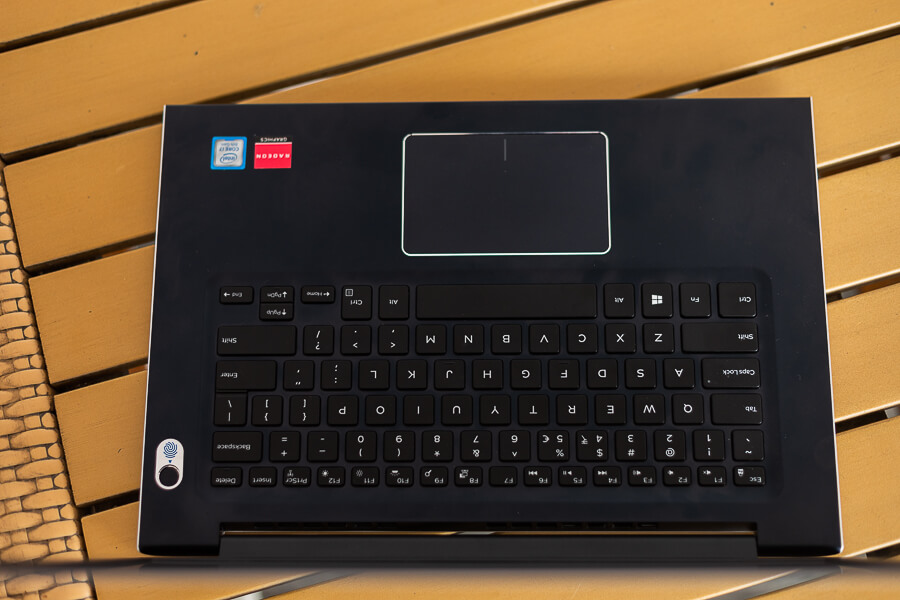
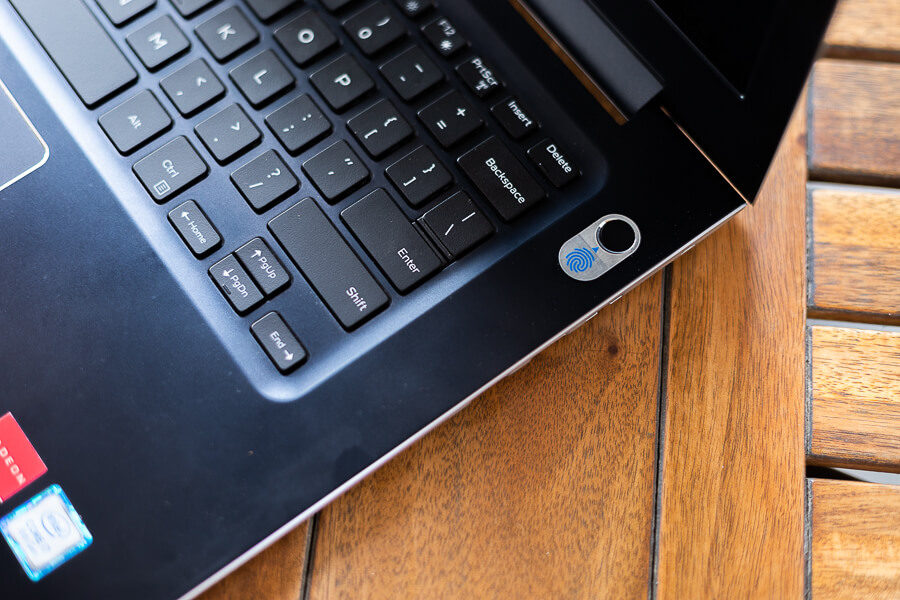
Talking about physical usability, the keyboard is something that has impressed me thoroughly. The keys are placed at a good distance from each other making it less probable that you will press the wrong keys. Similarly, the keyboard has two levels of backlit adjustments that you can set in accordance to your preference. So, typing in dark conditions is not a problem with this one. The trackpad, on the other hand, is smooth and responsive.
Battery Life
Talking about battery life, the device gives you good backup for around 4 hours without plugging in the charger. Of course, battery drainage is relative to brightness settings and the type of work you do. So, on a medium level of brightness and regular works, it gave me 4 hours of battery. It's impressive that the device takes less than an hour to get fully charged.Conclusion
Pros |
Cons |
| Build and Design | Average Battery |
| Performance | Gaming Performance |
| Connectivity | Slightly Overpriced |
| Keyboard and Trackpad |
Article Last updated: July 16, 2018
![Apple iPhone Price in Nepal [Updated 2026]](https://media.gadgetbytenepal.com/2025/12/Apple-iPhones-price-in-Nepal.jpg)