.gif)
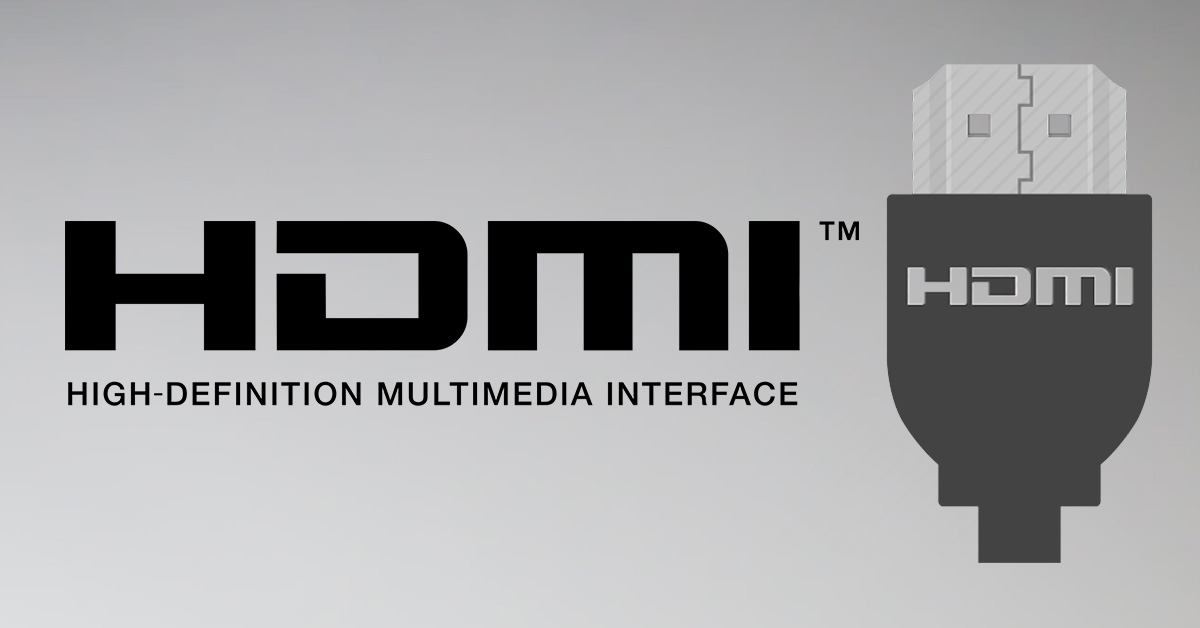
High Definition Multimedia Interface is a propriety audio and video interface designed and in use for over 15 years now. It is a pretty common and one of the most popular forms of video and audio transmission over a wire. As of now, over 1,700 companies manufacturer HDMI adapters, and almost all of us use it for the good or bad.
Also Read: Things to consider while buying headphones
Over the years, this interface has grown, updated and improved over a few times. It all started with HDMI 1.0 and currently, we are at HDMI 2.1. With each new iteration, one can expect an increase in bandwidth and data channels with the ever increase in color format, space and depth support. So choosing the right HDMI cable could be a time-consuming task.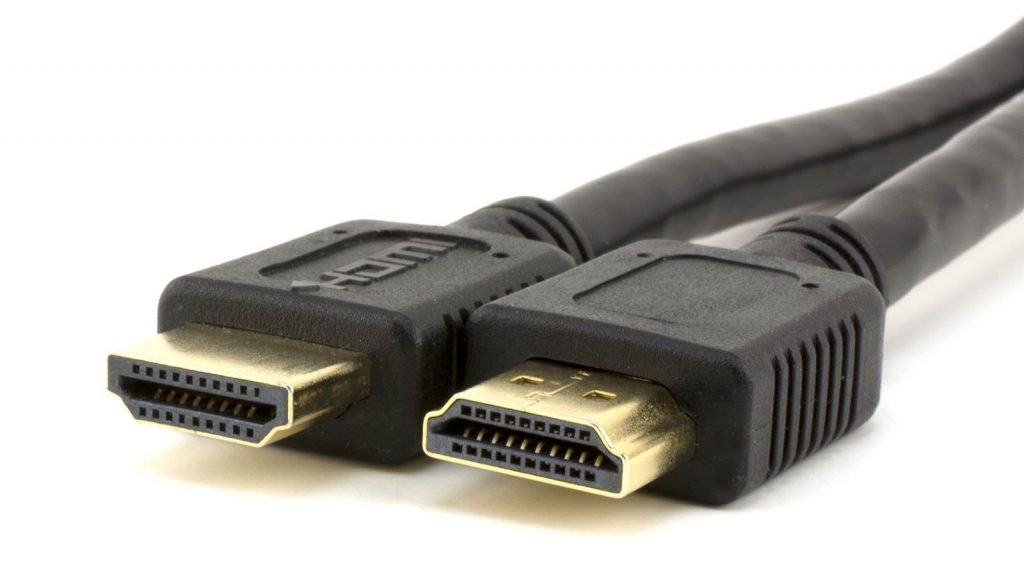 Sure you can buy the latest HDMI 2.1 and be done with it, but those cost a bit more than usual and an average user will probably never use all that available horsepower. So, here is a short table that should probably help an average joe with their buying decisions.
For context, the DSC refers to Display Stream Compression and the 4:2:0 or 4:2:2 refers to subsampling. You must have a really nice idea of which HDMI you should be buying. So, where can you buy it? Well, online shops will always have a handful of HDMI options, so just make sure to order the right one and start watching.
| Video Format | HDMI Version / Maximum Data Rate (Gbit/s) | ||||||
|---|---|---|---|---|---|---|---|
| Resolution | Refresh Rate (Hz) | Data Rate Required | 1.0–1.1 | 1.2–1.2a | 1.3–1.4b | 2.0–2.0b | 2.1 |
| 3.96 | 3.96 | 8.16 | 14.4 | 42.6 | |||
| 1280 × 720 (720p) | 30 | 720 Mbit/s | Yes | Yes | Yes | Yes | Yes |
| 60 | 1.45 Gbit/s | Yes | Yes | Yes | Yes | Yes | |
| 120 | 2.99 Gbit/s | No | Yes | Yes | Yes | Yes | |
| 1920 × 1080 (1080p) | 30 | 1.58 Gbit/s | Yes | Yes | Yes | Yes | Yes |
| 60 | 3.20 Gbit/s | Yes | Yes | Yes | Yes | Yes | |
| 120 | 6.59 Gbit/s | No | No | Yes | Yes | Yes | |
| 144 | 8.00 Gbit/s | No | No | Yes | Yes | Yes | |
| 240 | 14.00 Gbit/s | No | No | 4:2:0 | Yes | Yes | |
| 2560 × 1440 (1440p) | 30 | 2.78 Gbit/s | No | Yes | Yes | Yes | Yes |
| 60 | 5.63 Gbit/s | No | No | Yes | Yes | Yes | |
| 75 | 7.09 Gbit/s | No | No | Yes | Yes | Yes | |
| 120 | 11.59 Gbit/s | No | No | 4:2:2 | Yes | Yes | |
| 144 | 14.08 Gbit/s | No | No | 4:2:0 | Yes | Yes | |
| 240 | 24.62 Gbit/s | No | No | No | 4:2:0 | Yes | |
| 3840 × 2160 (4k) | 30 | 6.18 Gbit/s | No | No | Yes | Yes | Yes |
| 60 | 12.54 Gbit/s | No | No | 4:2:0 | Yes | Yes | |
| 75 | 15.79 Gbit/s | No | No | 4:2:0 | 4:2:2 | Yes | |
| 120 | 25.82 Gbit/s | No | No | No | 4:2:0 | Yes | |
| 144 | 31.35 Gbit/s | No | No | No | No | Yes | |
| 240 | 54.84 Gbit/s | No | No | No | No | DSC | |
| 5120 × 2880 (5k) | 30 | 10.94 Gbit/s | No | No | 4:2:2 | Yes | Yes |
| 60 | 22.18 Gbit/s | No | No | No | 4:2:0 | Yes | |
| 120 | 45.66 Gbit/s | No | No | No | No | DSC | |
| 7680 × 4320 (8k) | 30 | 24.48 Gbit/s | No | No | No | 4:2:0 | Yes |
| 60 | 49.65 Gbit/s | No | No | No | No | DSC | |
| 120 | 102.2 Gbit/s | No | No | No | No | DSC | |
This is however just a short introduction to all the different aspects of HDMI, which we will cover in a later moment.
Article Last updated: July 18, 2018