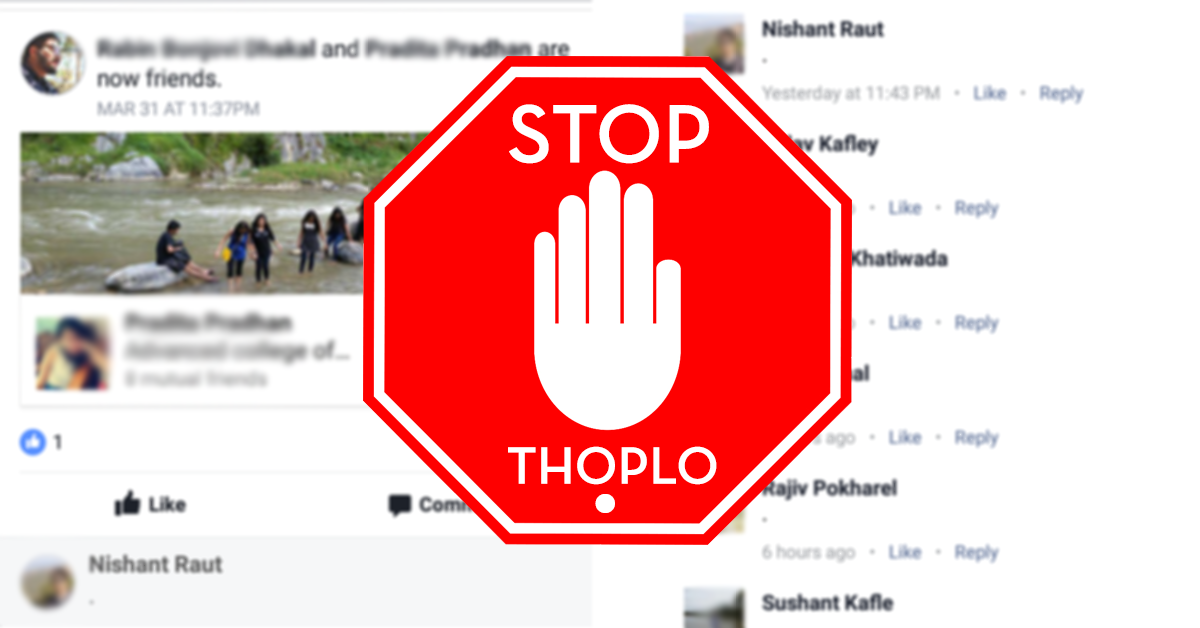
Facebook is the common home to all Nepalese people. People from every walk of life is on this platform and with so many people here, there are just some weird trends going on. If you have been using Facebook long enough, you might have noticed the trend of getting Thoplo on your Friendship status. On a daily basis, I see around 5-6 people getting roasted from thoplo and weird comments on their friendship status and Liked Pages. Some people find these fun, but some get mad over such things. So if you have been the victim of Thoplo Atanka, it's time to finally put it to an end!
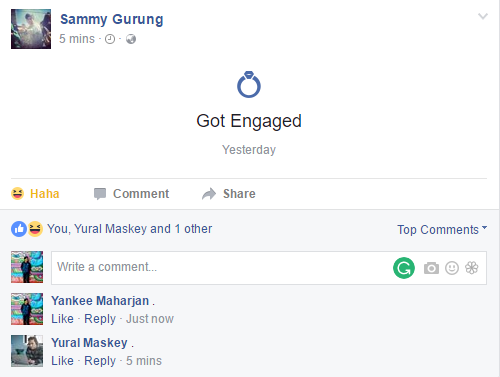

How to Stop Your Friendship Status from Appearing on News Feed:
1. Go to Your Profile
2. Select Friends Tab

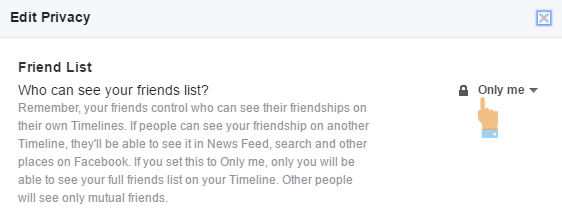
3. On the far right side, Select the edit button and then Select Edit Privacy

4. A pop-up will appear now. On the Friendslist option, Select Only Me Option and Select Done.
How to Hide Your Likes from Appearing on News Feed:
1. Go to your profile
2. Hover to More Tab and Select Likes option.

3. On the far right side, Select the Edit Button.

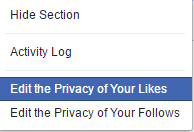
4. Select "Edit the Privacy of Your Likes"

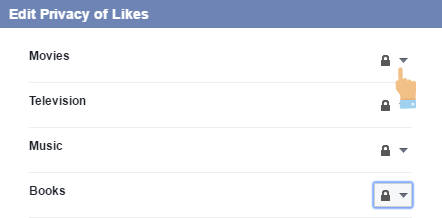
5. Select "Only Me" on the things you'd like to keep private:
Article Last updated: November 25, 2025