Why Trust Gadgetbyte?
At Gadgetbyte, we invest substantial hours into rigorously testing each product or service we review, guaranteeing that you make informed purchases. Learn more about our testing process.
Review Overview
4.1
The ASUS ROG Strix G31G is a good value for money gaming laptop. The specs make it the new middle-of-the-line gaming laptop, but it does have some bottleneck issues because while it has the most powerful i7 processor, the graphics card is not the ideal one for it.
Design and Build
9/10
Display
8/10
Performance
9/10
Gaming Performance
7/10
Keyboard
8/10
Trackpad
8/10
Battery
8/10
Value for money
8/10
ASUS ROG Strix G531GT Specifications:
- Design: Plastic body, with a dual-tone matte aluminum finish, 2.4 kg
- Display: 15.6″ Full HD (1920 x 1080), IPS LCD panel, 60Hz refresh rate, 60% sRGB
- Processor: Hexa-core 9th gen i7-9750H processor, Base-Clock @ 2.6 GHz, Turbo Boost Clock up to 4.5 GHz
- GPU: Nvidia GeForce GTX 1650, 4 GB VRAM, GDDR5
- RAM: 8 GB DDR4 @ 2666 MHz (Max 32 GB), Dual-slot
- Storage: 512 GB PCIe Gen-3 NVMe SSD
- Ports: 3 x USB 3.1 Gen 2 Type-A, 1x HDMI, 1x RJ-45 Ethernet, 1x MiniDisplay display port, audio port
- Connectivity: Gigabit LAN + Intel® 802.11ac (2x2) Gigabit Wi-Fi with Rangeboost support + Bluetooth 5
- Keyboard: Full-Size One-zone Backlit chiclet Keyboard
- Webcam: None
- Speakers: 4W*2 speakers with Smart AMP technology/1.5W speaker for W/O Smart AMP technology
- Battery: 50 Watt-hour battery
- OS: Windows 10 Home
- Price: $900 / Rs.140000
Design
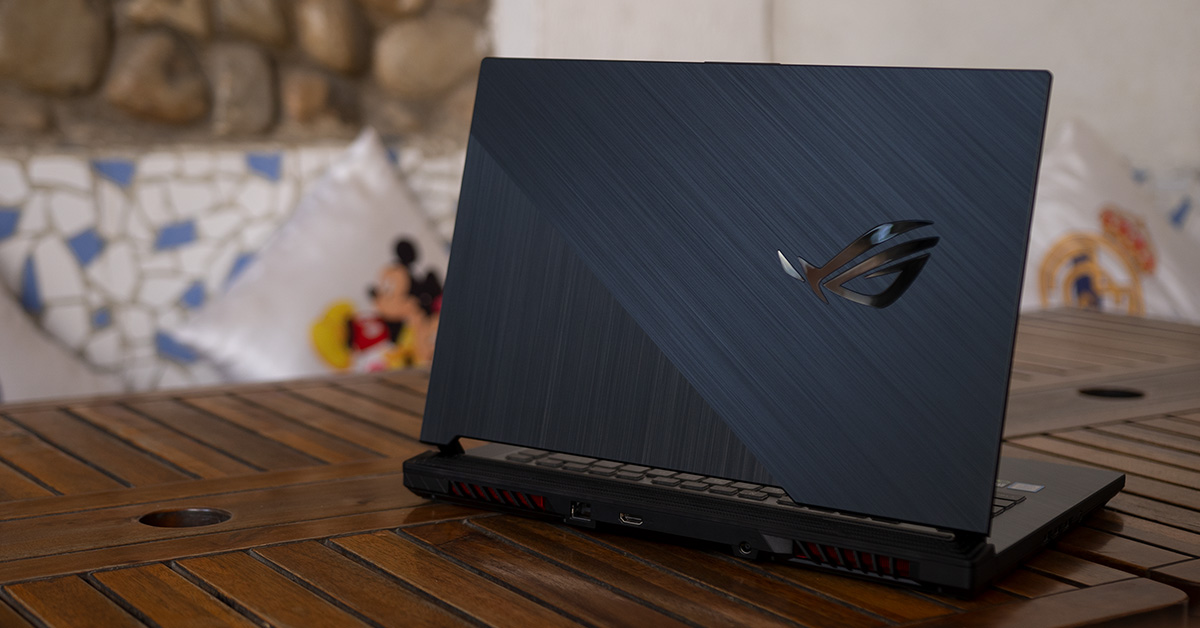
Starting off with the aesthetics, there’s hardly any difference in its design language compared to the more expensive ROG Strix Hero and Scar laptops. It’s a bit bulky but surprisingly compact for the size. But it’s not really light though. With a weight of about 2.4 kg, this is a standard weight for a gaming laptop.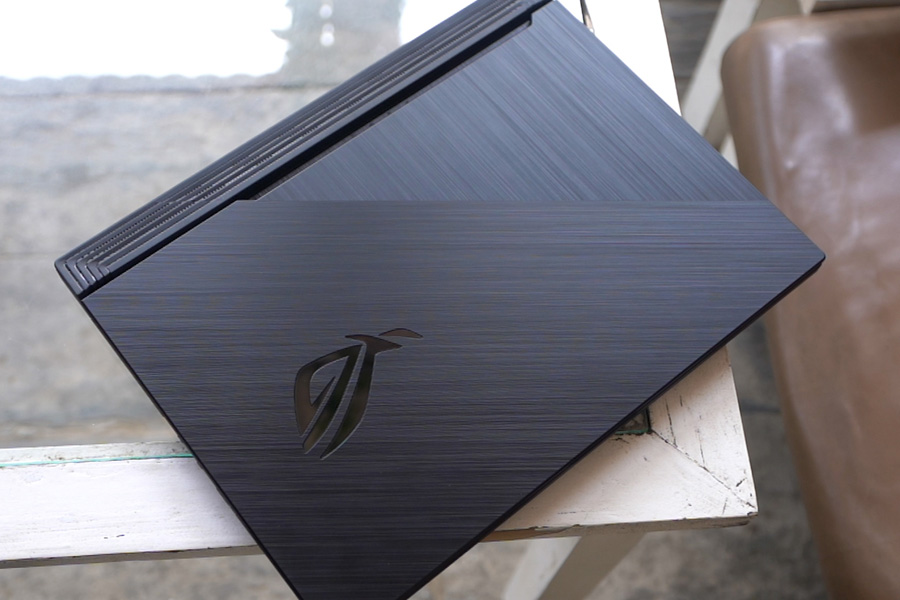
Ports
No gallery images available
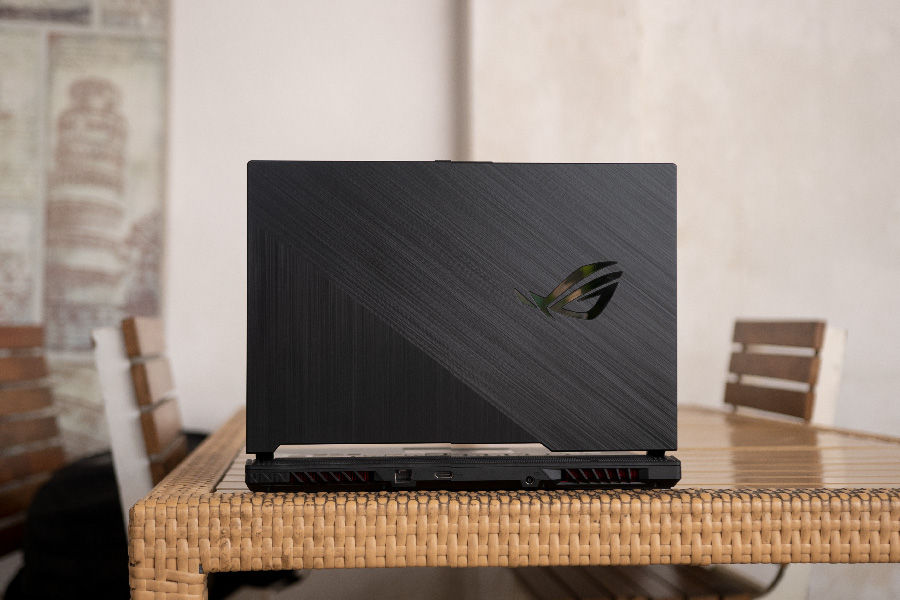
As for ports, the charging port, HDMI and the Ethernet are at the back, whereas, others are on the right – three USB-As and an audio jack. But that’s all. You don’t get USB-C or an SD Card slot, either. That means there are not enough ports, at least, for me. You won't be able to directly edit your photos or videos due to the lack of the SD-card slot. So, if you do that, you have to get a card-reader separately.
- Meanwhile, check out all the prices and specs of Asus ROG Strix Laptops here
Display
When you open the ASUS ROG Strix G531G, you’re greeted by a 15.6” Full HD IPS panel display, and you get two choices of refresh rate here – regular 60 Hz or a faster 120 Hz. Ours was the base variant, a 60 Hz panel, but still, the display is better than expected.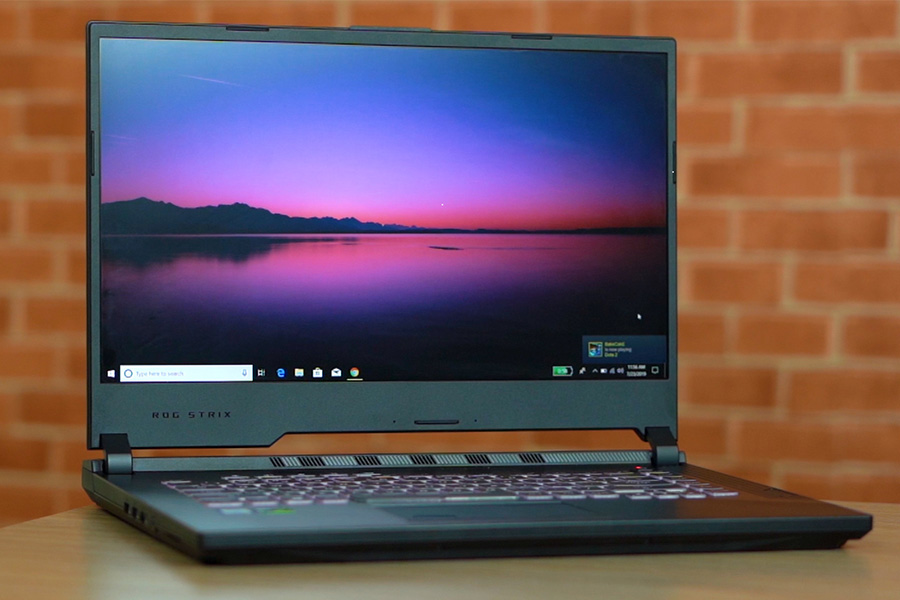
Keyboard and Trackpad
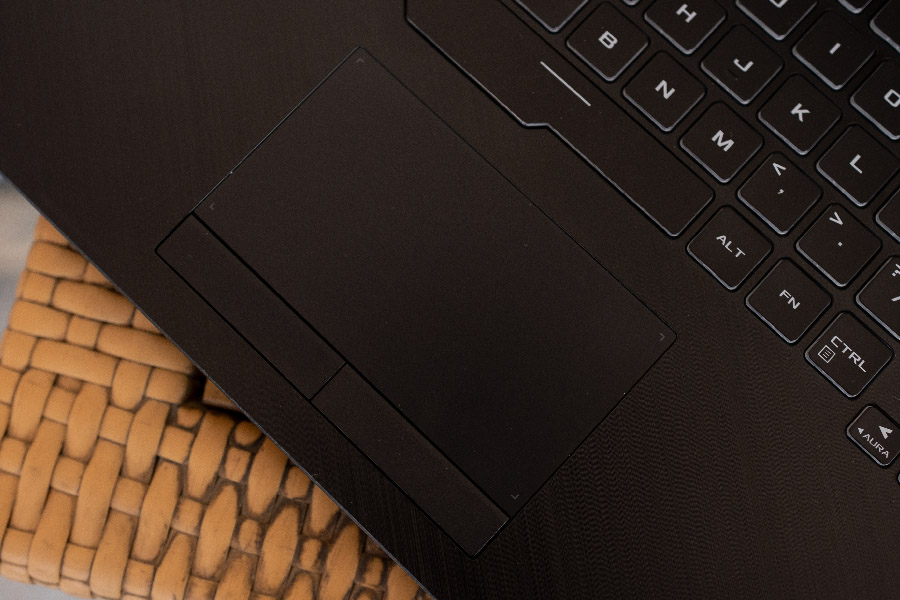
Moving on to the keyboard…it’s your ASUS’s keyboard layout, so, it’s a bit different. You have the additional hotkeys on top for some functions that help take quick actions during gaming. However, what I don’t like about the keyboard is the size and the position of these arrow keys. They are small and placed imperfectly.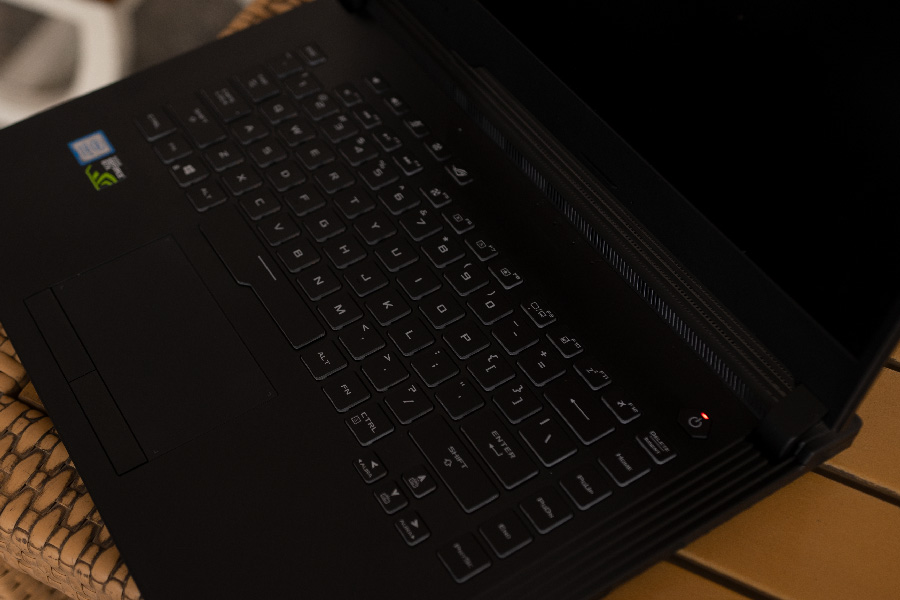
Performance
On the power side of things, you get the latest 9th gen i7-9750H, which means great performance. And since it’s a high-end processor, there’s actually not much to talk about here. It only has an 8 GB of RAM in a single channel, but there are two slots, so you can slip another stick in and increase the performance with dual channels.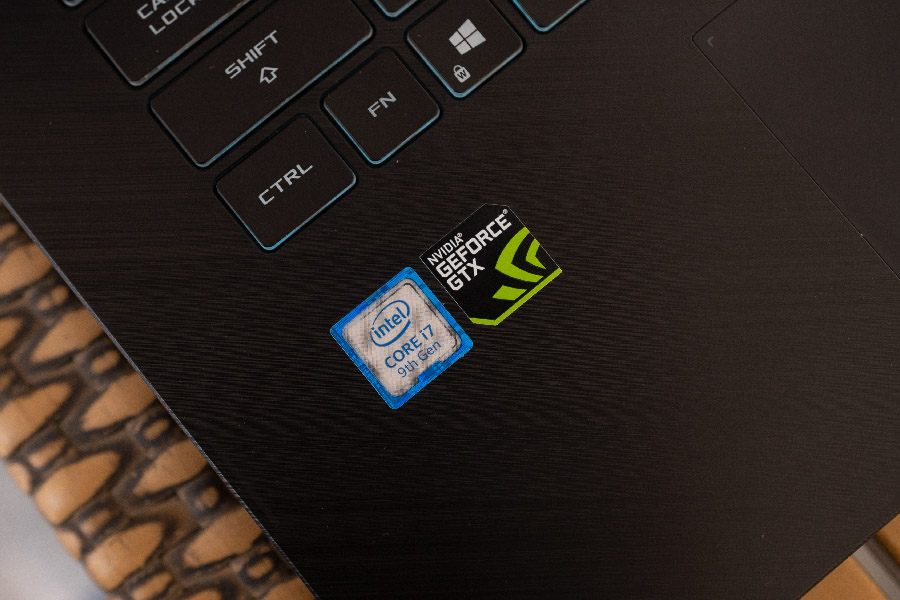
Battery
As for the battery, it has 50 Watt-hour battery, which is, I guess, normal for a gaming laptop. It’s not enough, but it is what you get. And with this, you will get about 4.5 hours of battery life on normal usage but just about an hour or so on gaming. This means that you will need to carry around a charger.ASUS ROG Strix G531: Conclusion
In conclusion, the ASUS ROG Strix G531 is a good laptop, for the price. It has the latest of Intel processors and does include a wide variety of graphics card options. The one with 1650 is kind of a bottleneck on the performance, but you can choose from a lot of configurations. And if you get the one with 120 Hz display, it’ll be even better. On top of that, the stellar build quality makes it even more appealing. Sure, it’s not as flashy with only a single zone RGB, but that depends on your preference. I like it as it is, it makes its presence known as a gaming laptop, but in a subtle way. And that, in my opinion, is close to perfect balance.Article Last updated: August 5, 2019

![Best Ultrabooks To Buy in Nepal [Updated 2026]](https://media.gadgetbytenepal.com/2025/11/Best-Ultrabooks-to-Buy-in-Nepal-2025.jpg)
![Asus ROG Strix SCAR 18 (2025) Price in Nepal [Updated]](https://media.gadgetbytenepal.com/2025/08/Asus-ROG-Strix-Scar-18-2025-Price-in-Nepal.jpg)
![Asus Laptops Price in Nepal 2026 [Updated]](https://media.gadgetbytenepal.com/2023/07/Asus-Laptop-Price-in-Nepal-2023-Updated.jpg)