Why Trust Gadgetbyte?
At Gadgetbyte, we invest substantial hours into rigorously testing each product or service we review, guaranteeing that you make informed purchases. Learn more about our testing process.
Review Overview
4.3
The ASUS ZenBook Pro Duo is "the" new thing in terms of laptops. With its integrated secondary display, productivity gets a whole new spin. And all that is complemented with excellent hardware, and design. However, the software-side of the machine bottlenecks the user experience with a lack of proper implementation. We could've had it all, but no, at least not now. And more importantly, I simply refuse to believe that its price is justified considering its performance, not in Nepal. Then again, this is an enthusiast product, so that's not an objective verdict.
Design
9/10
Display
10/10
Dual-display implementation
8/10
Performance
9/10
Gaming
9/10
Thermals
8/10
Storage
9/10
Keyboard
9/10
Trackpad
8/10
Battery Life
8/10
Connectivity
8/10
Value for money
7/10
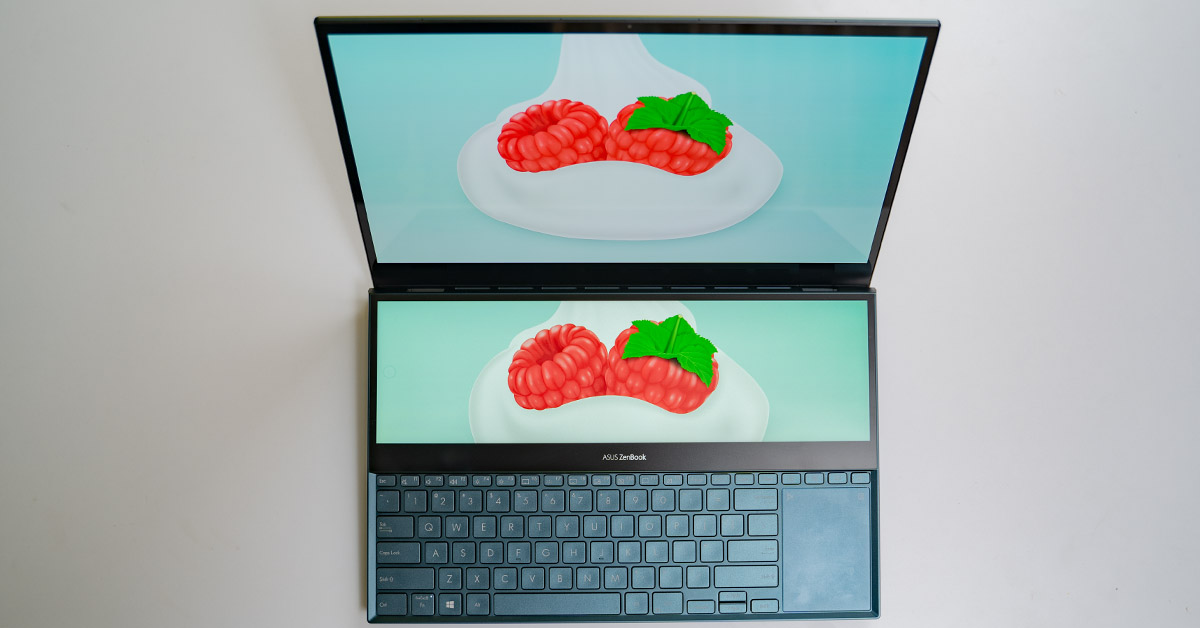
Quick, what’s the first thing that comes to your mind when hearing the word “laptop”? Let me guess, a screen, underneath a keyboard and a trackpad, a couple of I/Os on the side, that you open to browser your favorite subreddits, or give a one-star rating to that restaurant where they served you milk coffee when you vividly remembering ordering a black coffee. Ah, I may have gone a little off-track there. Anyhoo, the point is, they’re boring to look at since there hasn’t really been an impressive change in the design language of laptops in the past couple of years. Don’t get me wrong, they do their job just fine. Manufacturers obviously have tried to bring something new with each of their offerings. New processors are always a given, but apart from that, we’ve been blessed with other innovations as well. Displays are getting sharper and more vivid, while their bezels are getting smaller. Moreover, laptops are shrinking in terms of thickness as well, making them more portable than ever. Having said all that, the core template of a laptop as a computing device has remained the same, the one I described before. And thus, the extent of functionality has not taken any leap. Don’t tell me you haven’t suffered from the lack of adequate screen real-estate on your device. Arranging multiple apps in congestion with each other is always a headache. Not to mention, they’re a pain to navigate as well. But what if you could have an entirely new laptop experience with a large secondary display that complements the main one. A separate USB-C monitor sounds awesome, but that defeats the portability of a laptop. Well, how about a full-on secondary display embedded into the device itself? Does that knock you off of your seat? It certainly should, because multiple display laptops look to be where the industry is headed, as a lot of manufacturers showcased their vision of a dual-display laptop at CES 2020. But today, I have the ASUS ZenBook Pro Duo with me, which can arguably be credited for the multi-display revolution in the laptop industry. That’s enough for the intro, let’s finally get into our review of the ASUS ZenBook Pro Duo.
- Design & Build: All-aluminum body with spun-metal cover; 14.13W x 9.68D x 0.94H-inches; 2.5kg (5.51 pounds)
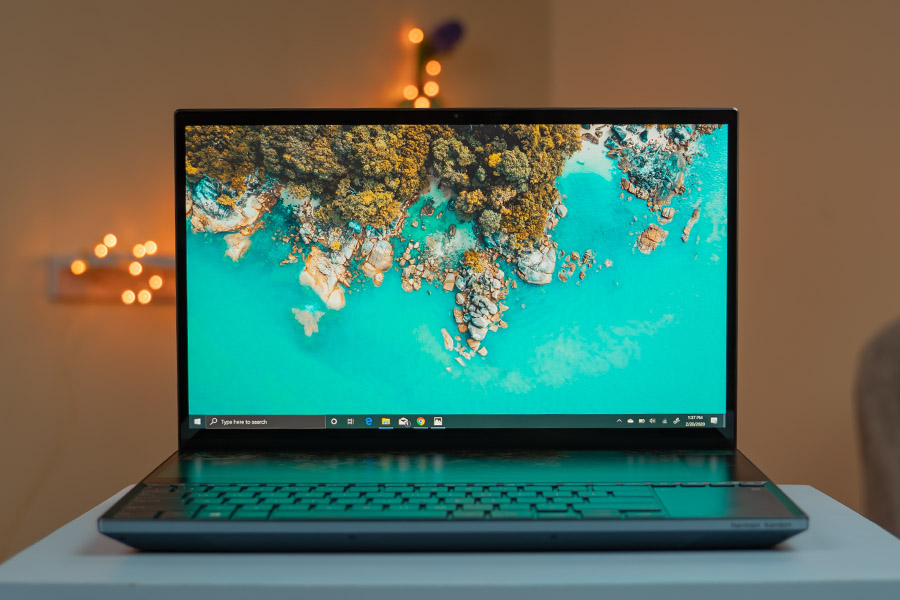
- Display: Dual-display (both with touch support); – Primary; 15.6-inches glossy OLED 4K (3840x2160) panel, 100% DCI-P3 coverage; HDR-compatible; 60Hz refresh rate; 16:9 aspect ratio; 89% screen-to-body ratio; 178º wide-view – Secondary; 14-inches matte IPS 4K (3840x1100) panel; 178º wide-view
- Keyboard: Full-size; Backlit (single color); 1.4mm key travel
- Processor: Intel Coffee Lake CPUs; Core i7-9750H (Up to 4.5GHz) or i9-9980HK (Up to 5.0GHz)
- RAM: 8 / 16 / 32GB DDR4 RAM @2666MHz (non-upgradeable)
- Graphics: 6 GB GDDR6 NVIDIA GeForce RTX 2060 VRAM
- Battery: 8-cell 71 Watt-hours Li-Po battery
- Max Power Supply Voltage: 230 Watts
- Storage: 256 / 512 / 1TB PCIe Gen3 SSD (upgradeable)
- Webcam: IR Webcam with Windows Hello support
- Connectivity: WiFi 802.11 ax (WiFi 6), Bluetooth 5.0
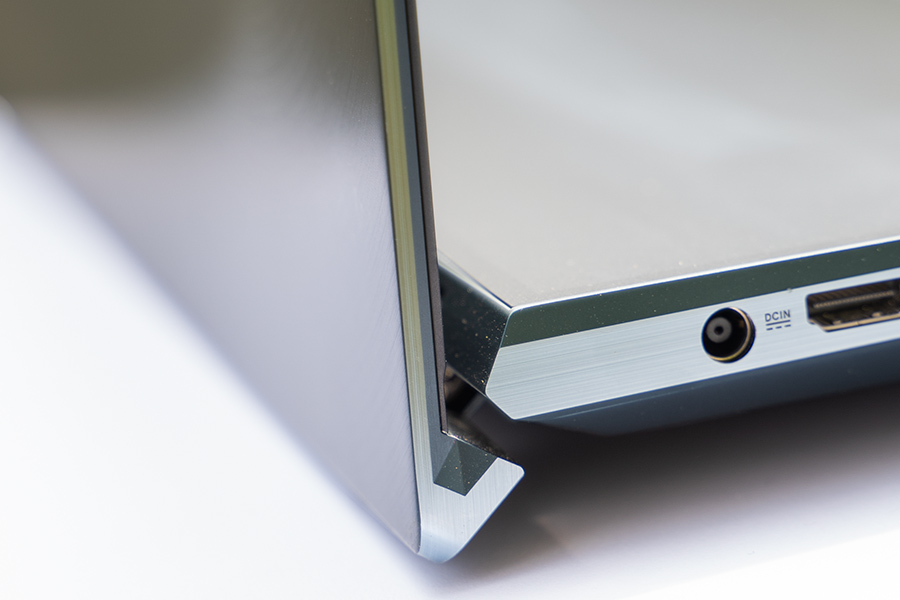
- Ports: 1x Thunderbolt 3 USB-C, 2x USB 3.1 Gen 2 Type-A, 1x Standard HDMI 2.0, 1x Audio combo jack, 1x DC-in
- Price in Nepal: Rs. 359,000 (i7 model) / Rs. 435,000 (i9 model) [both with 32GB RAM & 1TB SSD storage]
Design & Build
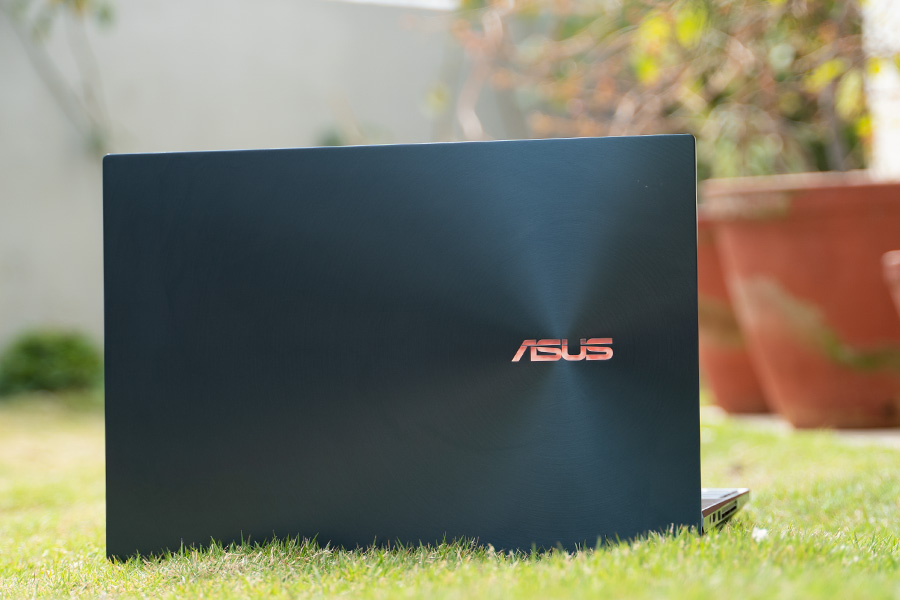
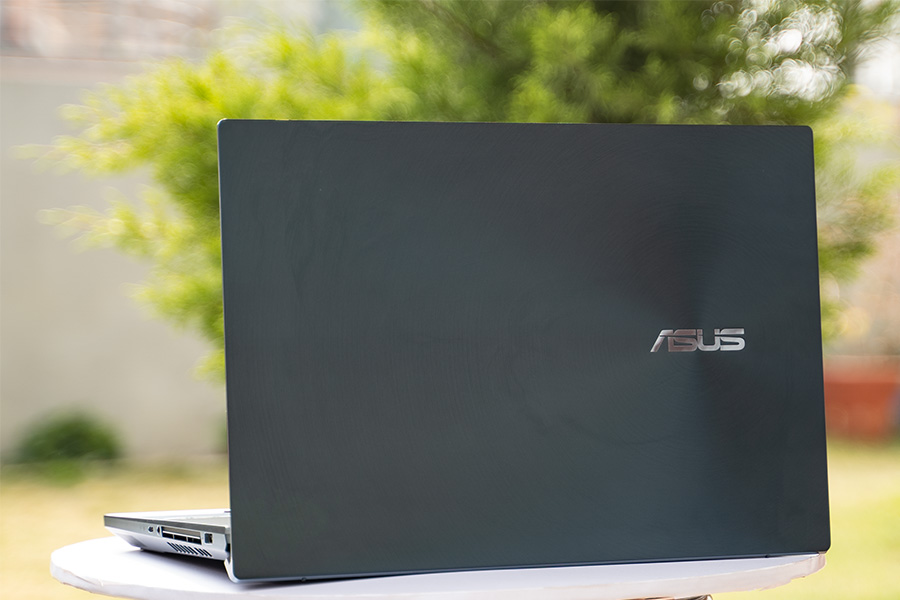
Let me start with the design of this glorious feat of engineering. The ASUS ZenBook Pro Duo comes in an all-aluminum body, and yeah, it’s as premium as “premium” can get. Also, heavy. If you were used to carrying around lightweight laptops, this one will give you a tough time, as the ZenBook Pro Duo weighs a hefty 2.5 kilograms.
Thermals
Talking about thermals, the ZenBook Pro Duo has five copper heat pipes that are connected to the two fans. Complementing the thermal performance are the big air vents on the sides and the hidden ones on the hinge of the laptop, which make for better airflow. And if you think that’s now enough to efficiently cool down this beast of a machine, ASUS has included a dedicated “Turbo” button which pushes the fans to the max for their ability.
Interface & Networking
For a device targeted so heavily to the content creators, the port selection on the ZenBook Pro Duo is kinda abysmal and that’s disappointing. On the left, you get the power adapter (not USB-C), a standard HDMI 2.0, and a USB 3.1 Gen 2 port, while there’s one Thunderbolt 3 USB-C, an audio jack, and another USB 3.1 Gen 2 port on the other side.
No LAN connection, and more importantly no dedicated SD card reader.
Display
You're in for a treat right here.

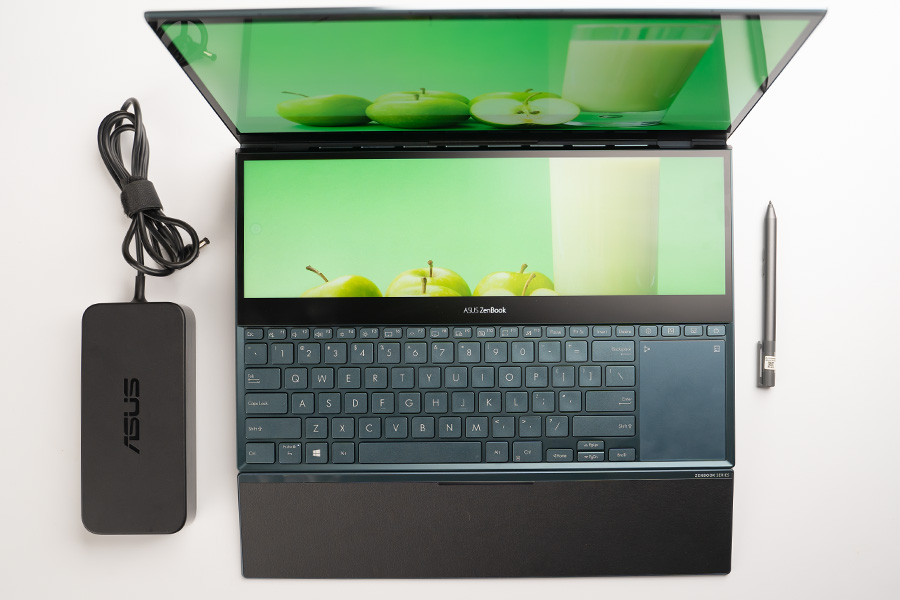
just how productive is the wide second display?
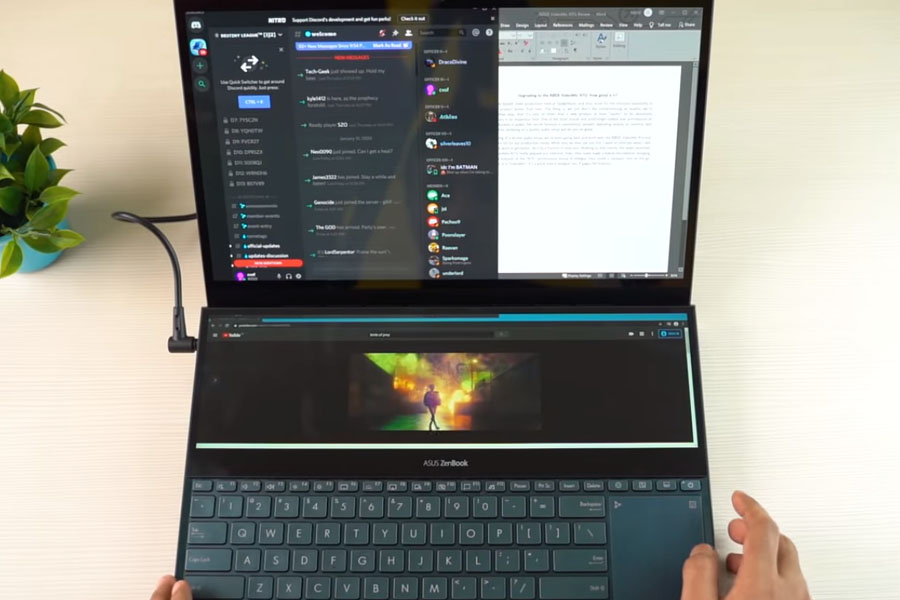
Short answer: it gets pretty close to perfection, not gonna lie. But to my dismay, the potentials of this magnificent piece of hardware doesn’t feel accompanied by solid software. No, it’s not downright wasted, don’t get your eyes rolling. Nonetheless, I firmly believe ASUS should’ve worked to a greater extent with Microsoft to make the ScreenPad Plus more refined than it is.

Performance & Gaming
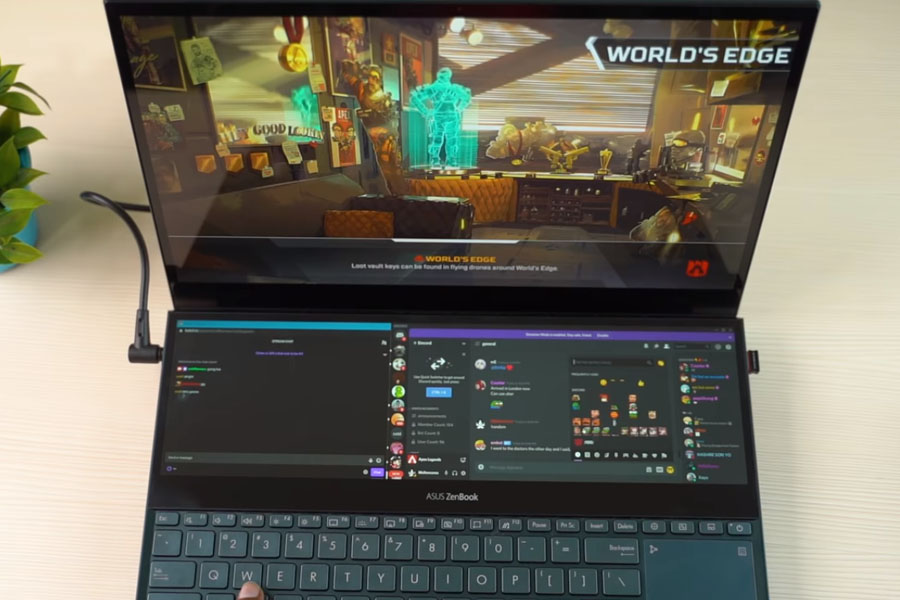
The top-end Intel processor shouldn’t have, at least in theory, resulted in such performance. At least I was not expecting that. You can choose between Intel’s two Coffee Lake processors – the Core i7-9750H or the i9-9980HK, and the latter’s the one on my unit. On to the graphics, you get the NVIDIA GeForce RTX 2060 with 6GB of GDDR6 VRAM. That’s a pretty powerful combo, but for its price, I was hoping for at least RTX 2070. Plus, the fact that the primary screen is 4K and to play triple-A titles on their max settings, 2060 is not the best of choices. But regardless, I put the ZenBook Pro Duo to test. But before going in, the dual-display presents another possibility for gaming as well. With the primary display occupied by gameplay, you can fill the secondary display with your preferred streaming platform, and Discord or other apps you prefer. Sounds great but you’re greeted with a problem here as well.
Trying to access other apps on ScreenPad Plus when playing games on fullscreen automatically minimized the game.
Yeah, the software to complement the dual-screen really isn’t that great. That’s like the zillionth time I’ve brought that up in this video.
Memory & Storage
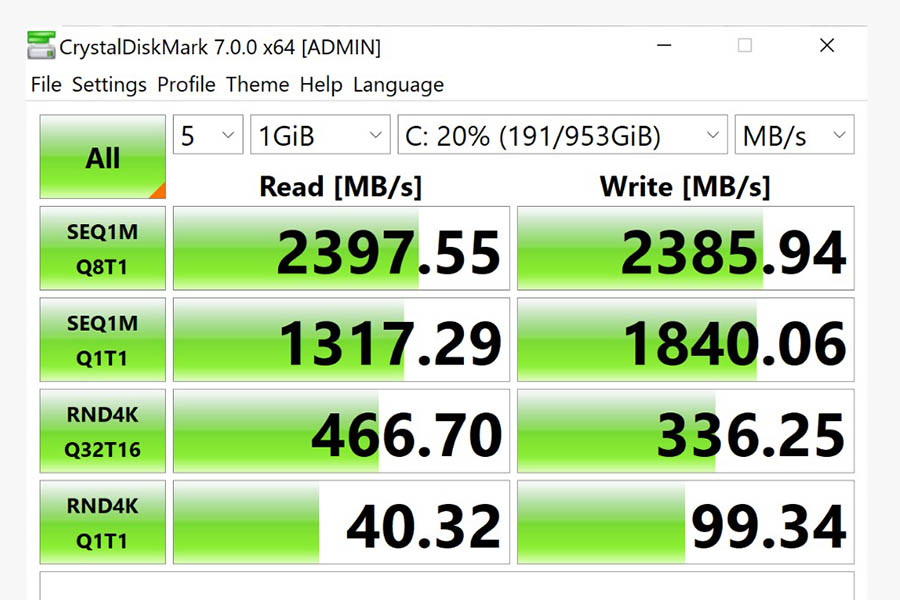
This spectacular multitasking is supplemented by an equally grand memory arrangement as well. This unit has 32GB of DDR4 RAM clocked at 2666MHz, which is the highest one available, while options for 8 and 16GB are also available. But I do have to warn you that the RAM isn’t user upgradeable since the one coming with the laptop is soldered.
Keyboard & Trackpad
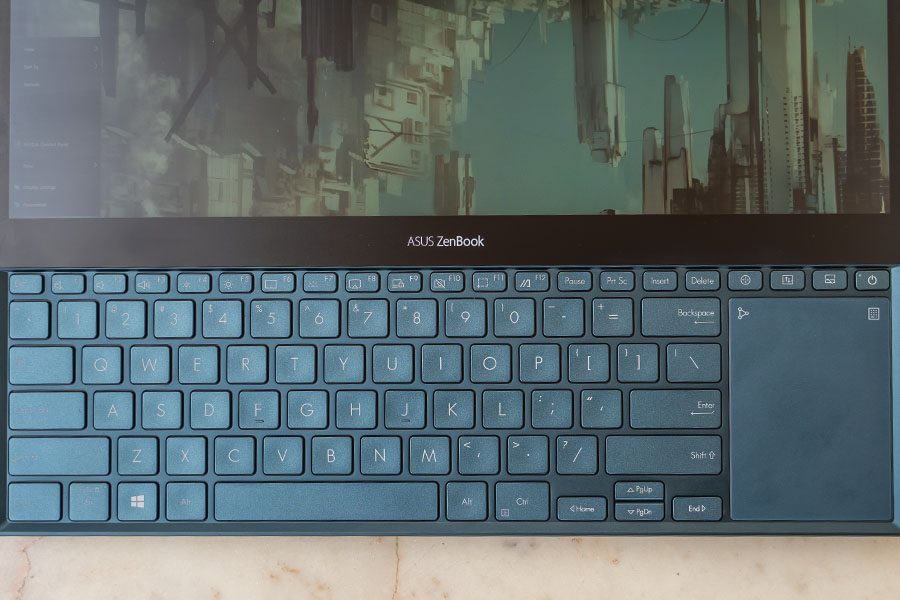
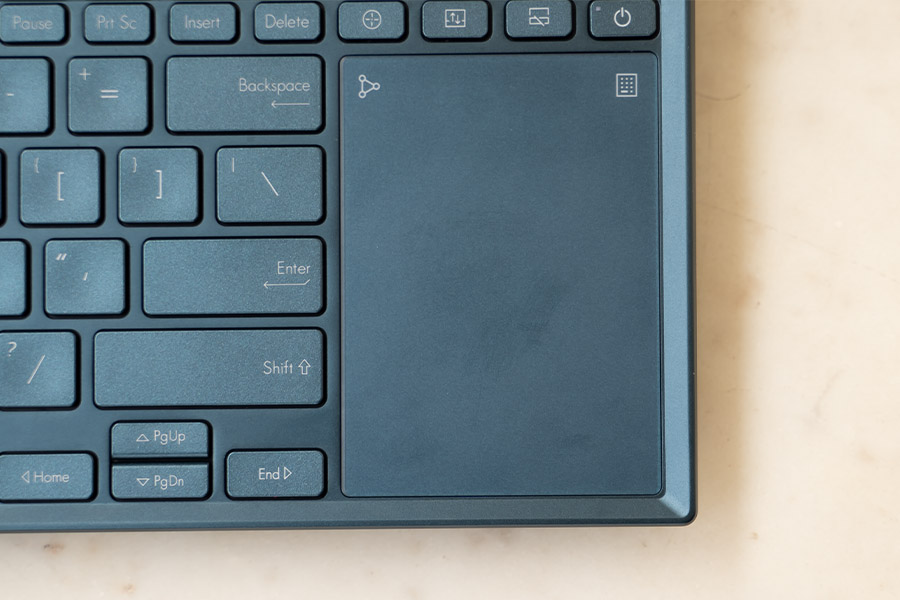
The keyboard’s really nice as well with the minimal 1.4mm key travel. It is backlit with three levels of brightness but not RGB, though that’s not an issue for me as I’m really not into the RGB cult. The typing experience here is terrific and it’s easy to get to the keys without any trouble.
Audio
Audio on the ZenBook Pro Duo is another thing that impressed me. It features a bottom-firing stereo audio system, which is certified by Harman Kardon. Though it’s definitely not the loudest I’ve heard in a laptop, the audio is crisp and clear with rich bass and nice surround-sound feel.
Battery
Finally, let’s get into the battery. Despite a big 8-cell 71Wh battery, its endurance didn’t sit well with me no matter how much I tried to convince myself about the fact that laptop’s got dual 4K display. The battery life would range between 3 to 5 hours during normal usage, which consisted of a lot of web browsing, photo editing, and running a couple of other small apps on the side. I usually kept the brightness of the primary and the secondary display at about 50%. You can also minimize the resolution of the ScreenPad Plus to save battery, or disable it all together via the dedicated button.
Conclusion
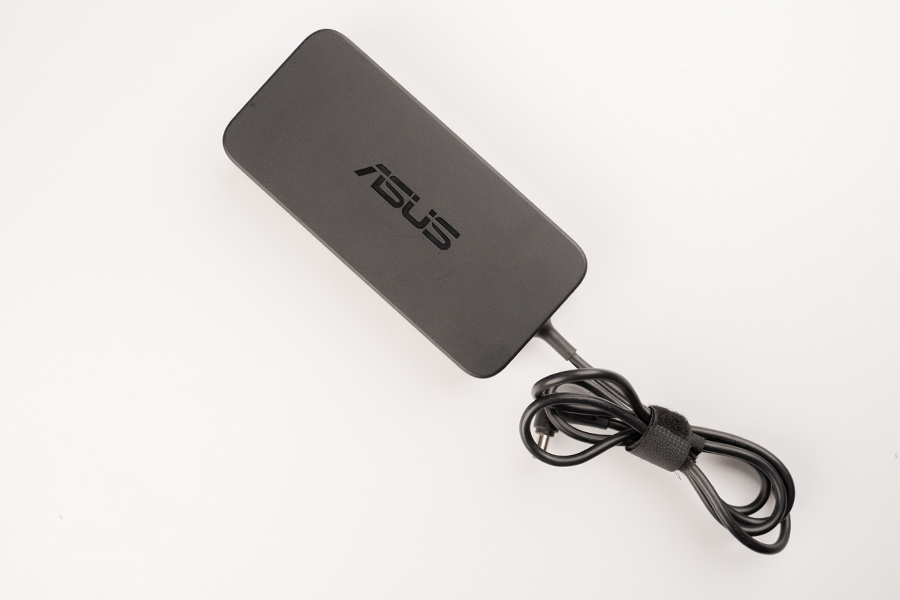
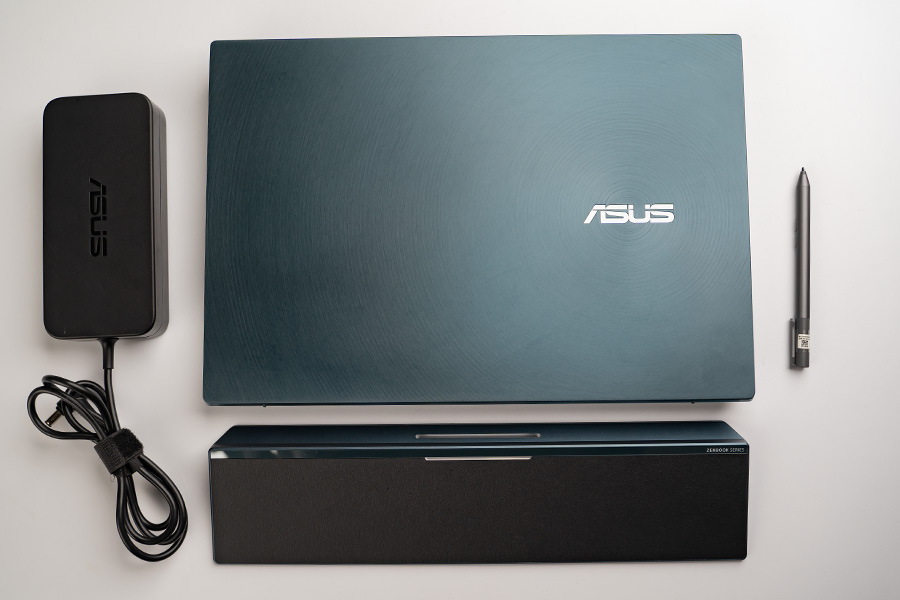
I don’t quite know how to feel about the ASUS ZenBook Pro Duo. It’s exciting, innovating, bold, and expensive, let’s not forget that. Its dual display really brings something new to the laptop industry, while amplifying the level of productivity as well. The performance and the fantabulous primary display are so darn stellar, that it hurts me to shift back to my old laptop. Having said all that, I’d once again like to beat a dead horse and complain about the lack of polished software. The dual-display experience and productivity could’ve been so much better, but we’re left unattended, wanting for more. Cramming in a secondary display has hurt the laptop’s portability too. An uncomfortable trackpad, a separate wrist-rest, and a massive power-adapter for a laptop that already weighs about 2 and a half kilograms (or 5.5 pounds) mean that you’ll have a hard time carrying them around.
ASUS ZenBook Pro Duo - Pros & Cons
Pros:
- A new laptop experience with enhanced productivity
- Eased multitasking with swift switching among the apps
- Powerful hardware resulting in a powerful performance
- Amazingly color-accurate display with a great viewing experience
- Great typing experience with minimum key-travel keyboard
Cons:
- Very poor battery life despite a high-capacity cell
- Software complementing the dual-display should've been a lot better
- Price doesn't justify the performance, not in Nepal
- Reduced portability because of the need for extra accessories
Article Last updated: November 23, 2025