Why Trust Gadgetbyte?
At Gadgetbyte, we invest substantial hours into rigorously testing each product or service we review, guaranteeing that you make informed purchases. Learn more about our testing process.
Review Overview
3.9
Design and Build
9/10
Display
8/10
Performance
9/10
Gaming Performance
6/10
Thermals
6/10
Storage
7/10
Keyboard and Trackpad
9/10
Connectivity
8/10
Battery Life
9/10
ASUS Zenbook UX430U Specifications:
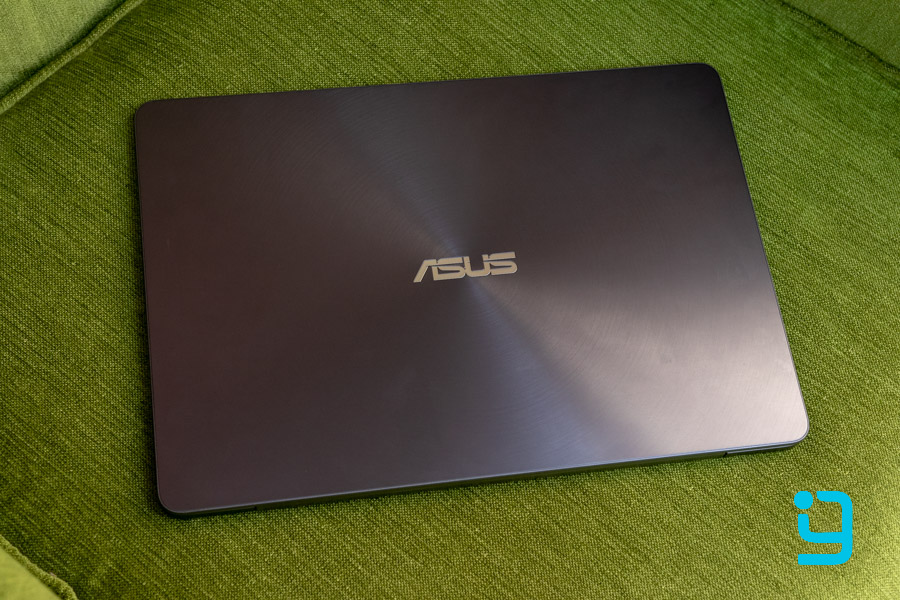
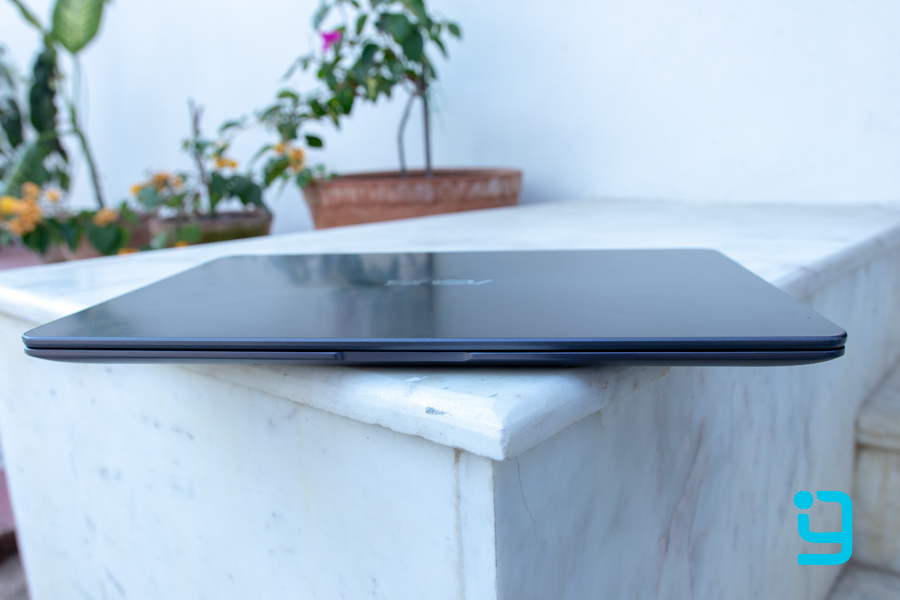
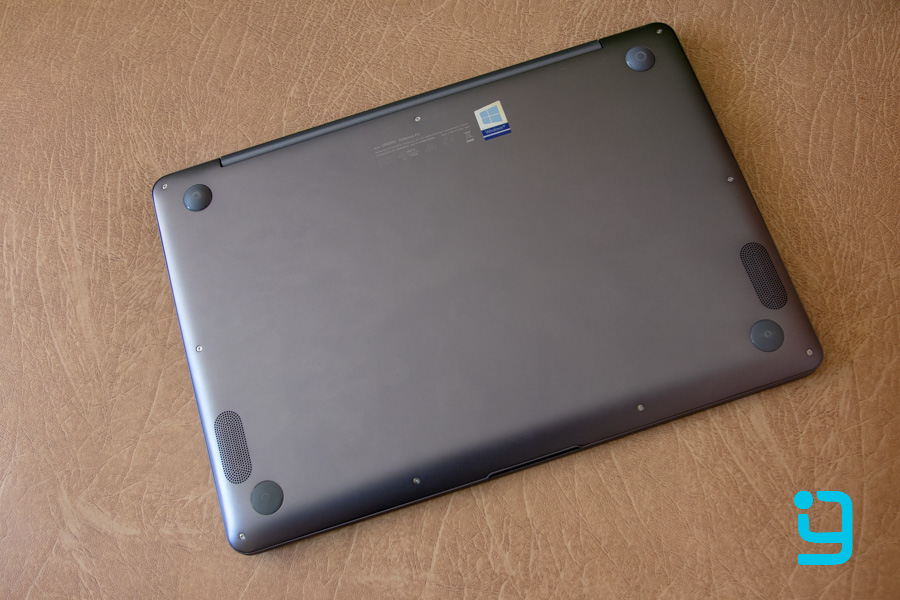
- Design and Build: All-metal body, 13" form factor, 1.3 kg
- Display: 14" Full HD (1920 x 1080), 100% SRGB & 71% Adobe RGB, 290 nits peak brightness with Anti-Glare
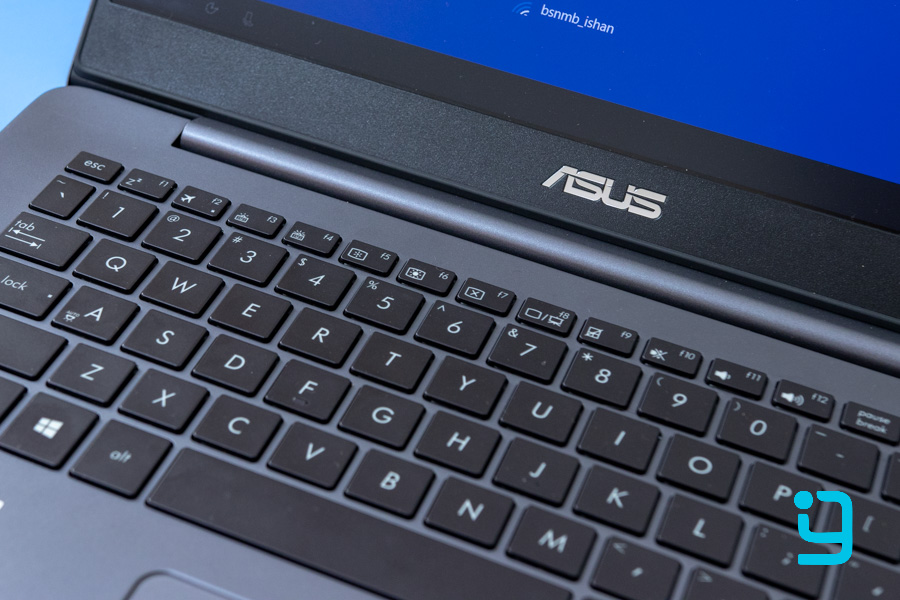
- Keyboard: 3-step back-light (white), 1.4 mm Key travel
- Processor: Quad-core 8th gen i7-8550U processor, Base-Clock @ 1.88 GHz, Boost Clock up to 4 GHz
- RAM: 16 GB (2 x 8 GB, not upgradeable)
- Graphics: 2 GB NVidia GeForce MX150
- Battery: 50 Watt-hour (up to 7 hours of backup)
- Storage: 512 GB SSD
- Connectivity: 2 x 2 dual band 802.11 ac Wi-Fi
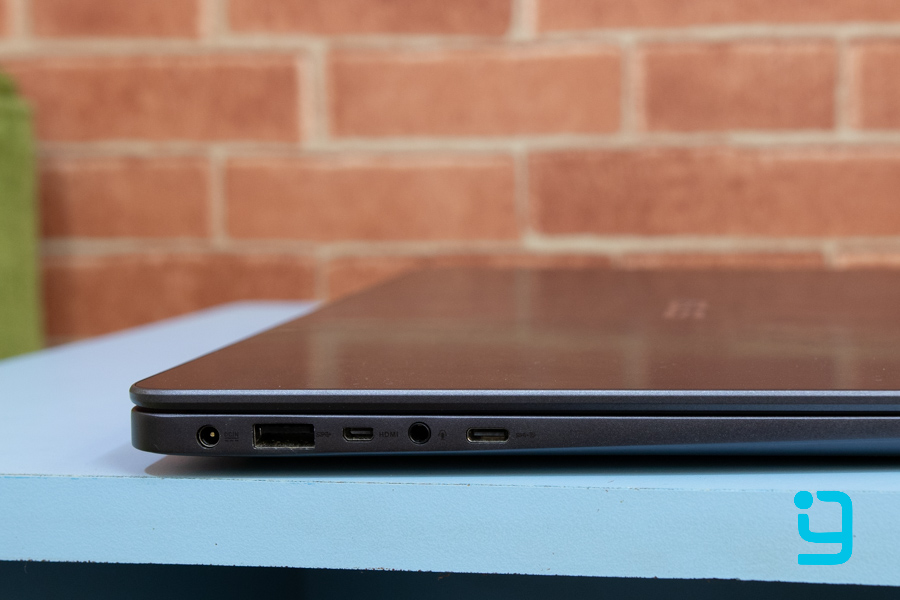
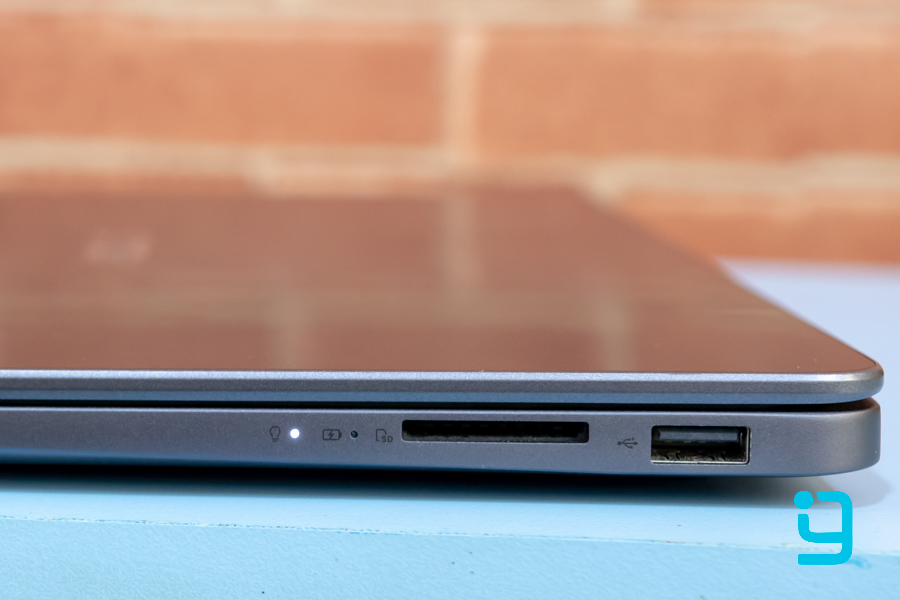
- Ports: SD-card reader, USB 2.0, USB 3.1, micro HDMI, Audio port, USB-C 3.1 (no thunderbolt)
- Price: Rs.130,000 ($1100 international)
- Colors: Royal Blue, Rose Gold, Quartz Gray, Shimmer Gold
Design and Build
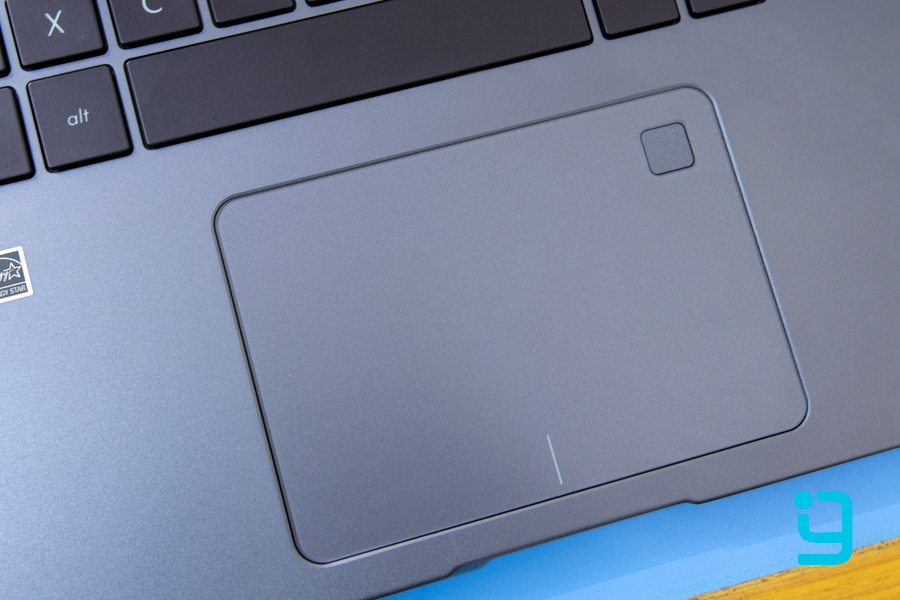
Keyboard and Trackpad
Display
When you open up the notebook, you can see very thin bezels on the sides. The bezels are the only plastic you’ll see on the metal body of this laptop, which is a good thing. You'll notice that the top bezel is a bit thicker than the sides, but that’s because of the webcam placement. The Dell XPS 13 has a thinner bezel up top. But it also has a weirdly placed web cam that captures your face at a weird angle during video sharing or calls.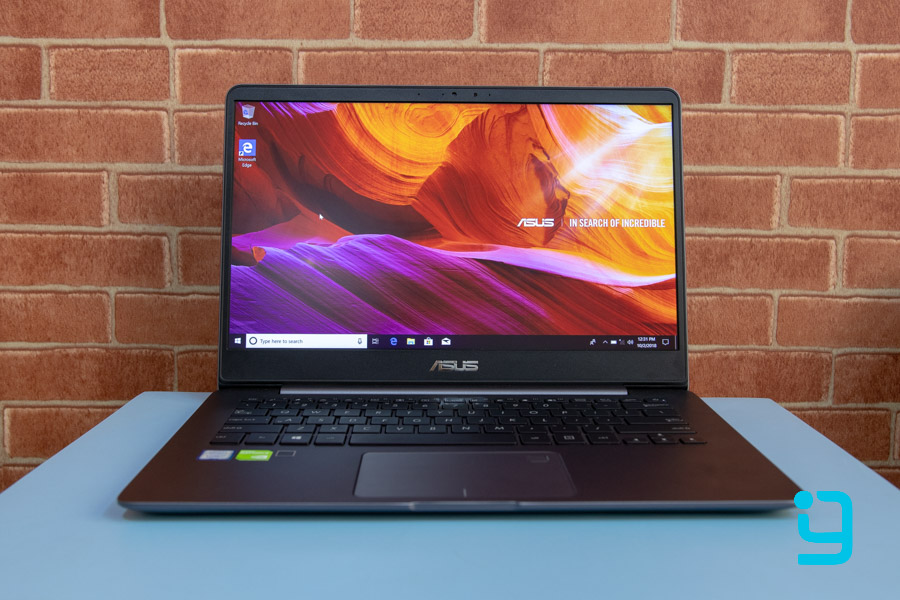
Performance
In the performance department, this laptop shines through and through. It comes with the latest Quad-core 8th gen i7-8550U processor. Now this 15W processor is based on 14nm technology, and its base clock is about 1.8 GHz, but it has been configured at 1.99 GHz in this laptop. It does go all the way up to 4 GHz when boosted, and combines a 16 GB RAM. The RAM isn't upgradeable by the way, but that much is enough to fly through most tasks. There are no lags or problems in performance whatsoever. Editing applications like Photoshop and Adobe Premier run pretty well. And even with some heavy sized files on them, it ran smooth enough for me.Gaming Performance
We kind of know that ultra-portable notebooks like this one, aren't meant for gaming. But it does come with a 2 GB MX150 graphics. Considering the size of the laptop, the MX150 is a nice graphic unit. It also helps with normal stuff like Photoshop and other Adobe suites. As for gaming, you can play light games on this laptop, like CS: GO or DOTA 2. I also tried FIFA and they ran without any hiccups. Also, I tried PUBG for the sake of it, and it actually surprised me! Of course, I had to turn the settings all the way down to Very Low, FPS limiter at 30, and resolution set at 720, but with that, I was able to play the game through without much hiccups. Granted it’s not the ideal way to play games and this will create some disadvantages in games. But considering how this isn't meant for gaming, I can't complain. However, if you want to play some other heavy set games like Battlefield or such, then, this is not the one for you. Or any kind of notebooks for that matter.Thermals
Laptops of this size do face problems when it comes to heat management, especially, when they are this powerful. This laptop, too, has a fan and one heat pipe for heat dissipation, but it started to heat up after a few hours of usage. And to the point where I couldn't keep it on my lap. It gets very warm while gaming as well. The open hardware monitor temperatures showed thermals of above 90-degrees! They could be inaccurate, too. But nevertheless, this small laptop doesn't do a good job at heat management.Battery Life
The battery life on this thing is good, but not as good as the competition, like that of the Dell XPS 13. With a 50 Watt-hour battery, it gives close to 7 hours of backup under normal usage. With some heavy usage like having a few chrome tabs, word documents and Spotify running on the background, it pushes out over 5 hours of battery life. However, with the graphics turned on, you will face severe battery consumption.Storage
As for the storage, you get a 512 GB SSD, which, is NOT an NVMe. But it’s still fast, providing about 550 MB/s of Read speeds and up to 510 MB/s Write speeds on our tests. If you want something faster, you can swap it out with an NVMe SSD. But, I think you won’t really need to, as this is pretty snappy.Connectivity and Ports
Conclusion and Verdict
To conclude, this is a laptop for those who want lightweight portability along with a sturdy build. It also gives you really good performance, and all that, for the price of Rs.130000 in Nepal isn't bad. Considering it costs $1100 internationally, this is priced appropriately here too. Now, I've been comparing this laptop with the Dell XPS 13 this whole time. And while that does outshine the ASUS Zenbook UX430U in quite a few aspects, the XPS 13 will cost you above Rs.150000 for similar specs. Also, on top, it doesn't even offer a dedicated graphics configuration. For 1 lakh 30 thousand, I think it’s a worthy purchase. Having said that, note that this one not having Thunderbolt support or full-sized HDMI could be a downside for some. You might also miss out on a laptop that runs cool, but can you really expect that from a laptop of this size? I think not.Pros:
- Good Design and Sturdy Build
- Good Keyboard and trackpad
- Great performance
- Adequate battery life
Cons:
- Low Brightness
- Slower Storage (No NVMe SSD)
- Quick Heating
Article Last updated: October 2, 2018