Learn all the info about existing business QRs in Nepal and their interoperability.
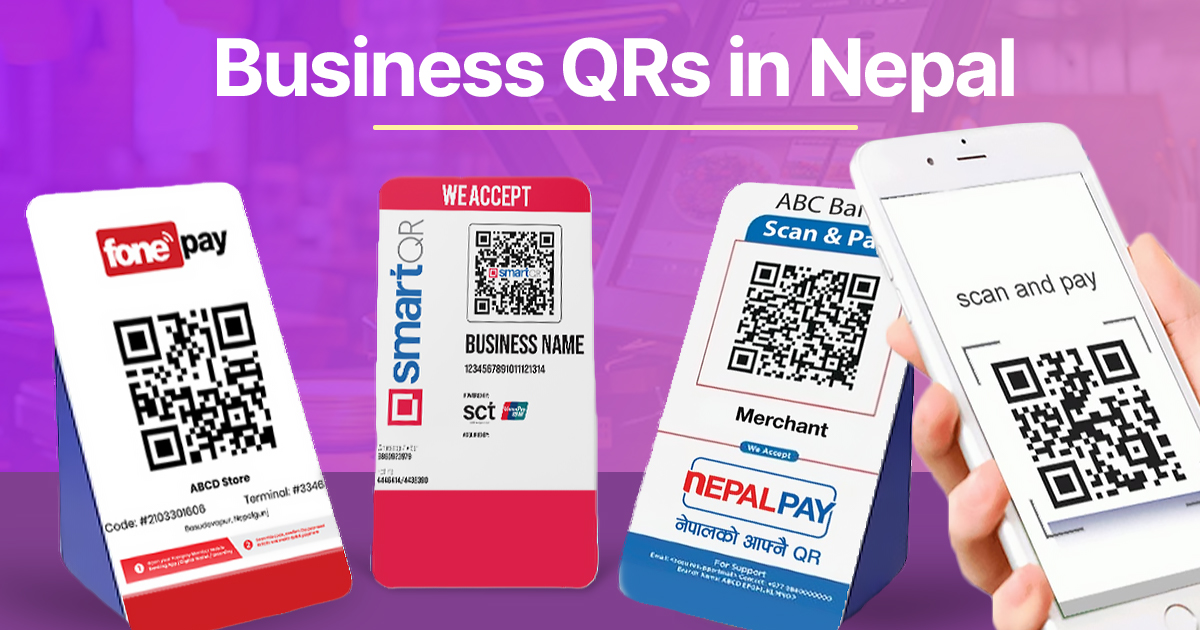
QR payments have become a way of life in this era of digital payments. You don't need cash any longer, and all you need is a digital wallet or a mobile banking app, and that's it. But sometimes you just can't scan a business QR code and make the payment, which often leaves you scratching your head. And there are several reasons behind it. That's why I've written this article, where I'll discuss the different types of business QRs in Nepal.
Business QRs in Nepal Overview:
What is a Business QR?
Before heading into the types of Business QR in Nepal, it is important to first understand what a Business QR is. A Business QR is the type of QR code commonly seen at shops, cafes, department stores, and hotels that are registered with a PAN (Permanent Account Number).
You may have noticed that many shopkeepers still use personal QR codes from mobile wallets like eSewa or Khalti, or even from their personal bank accounts. These are categorized as personal QR codes. In contrast, Business QRs are officially registered and require documents such as a PAN, a business registration certificate, citizenship, a linked bank account, and a merchant application form.
One key advantage of Business QR codes is that payments made to them usually do not incur additional charges for the sender (customer). However, this is not always the case with personal QR codes, especially when payments are made from a different mobile banking app, where transaction fees may apply.
| Personal QR | Business QR |
| Just need a normal bank account or digital wallet account | Requires PAN/VAT certificate, business registration certificate |
| Just a simple screenshot from the app | Applied and received through banks or digital wallets, often on a standee |
| Charges an extra amount on a mobile banking personal QR if the sender's bank is not the same | No extra charges from the sender side whatsoever |
| Can't receive cross border payments | Can receive cross-border payment if the merchant allows. For example, UPI payment can be made to FonePay QRs in Nepal. |
1. FonePay
FonePay QR is one of the most widely used QR payment systems in Nepal. And I think, it doesn't need an introduction. It's almost everywhere we go, and in my experince too, it's hassle-free due to support from every mobile banking app and major digital wallets in Nepal.
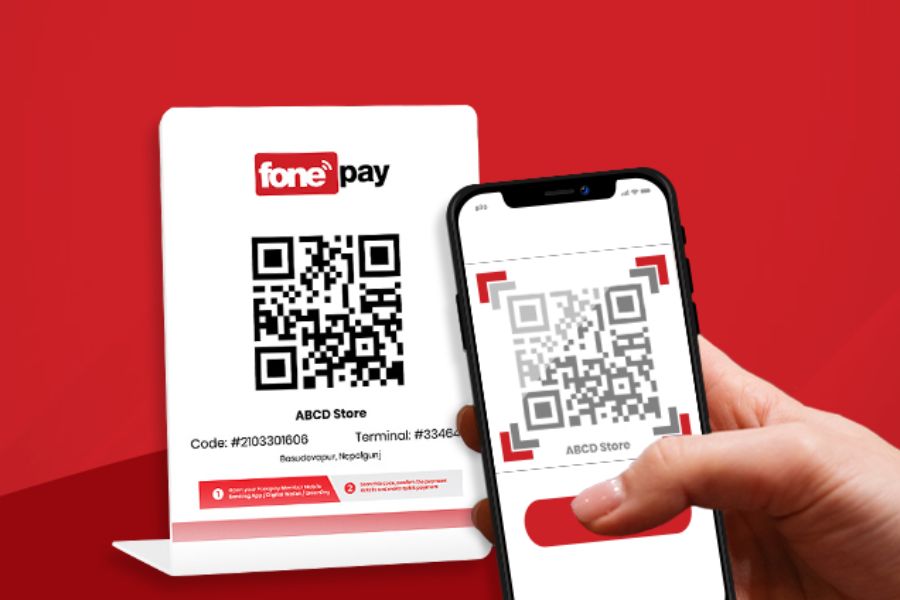
Talking of which, it connects multiple banks and mobile wallets, allowing users to pay directly from their bank accounts or wallets. Due to its wide acceptance and interoperability, many businesses across Nepal prefer FonePay QR. It provides real-time transactions, making payments quick, secure, and convenient for both merchants and customers.
- Developed by F1 Soft, the FinTech giant of Nepal.
- 64 Bank & Financial Institutions (BFIs) and Digital Wallets
- Supported on almost every mobile banking app, and top digital wallets like eSewa, Khalti by IME, MyPay, and more.
2. NepalPay QR
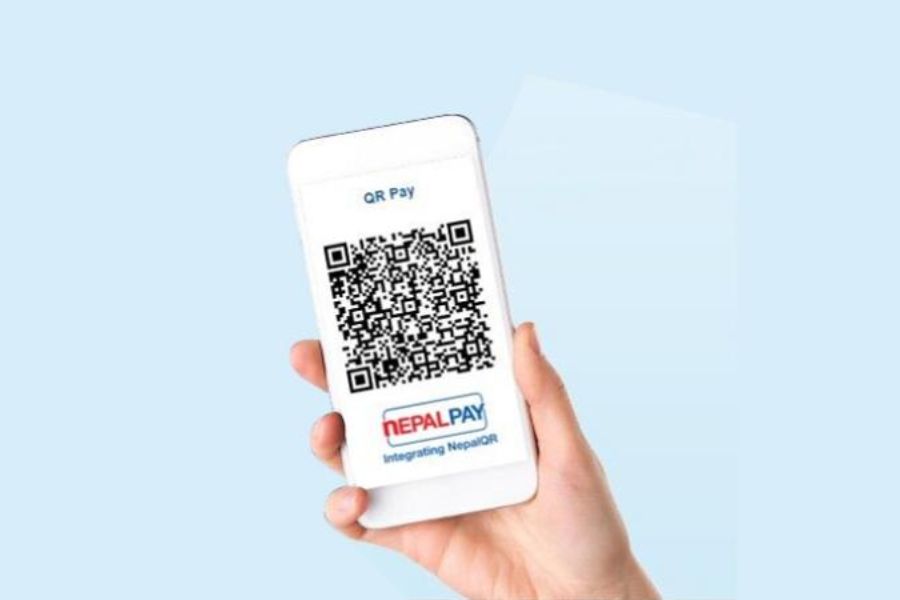
NepalPay QR, developed by Nepal Clearing House Limited, is a newer and more unified QR payment system. It aims to create a national standard that works across different banks and payment platforms. After Fonepay, you might have seen this QR. But I must tell you, it is not supported in eSewa, the country's largest digital wallet, as it's owned by F1 Soft, whose product is FonePay Business QR. Meanwhile, every major mobile banking app, including the ConnectIPS app and the Khalti digital wallet, supports this QR code. It is also interoperable with SmartQR.
Key Features
- Developed by government-backed NCHL, also the founder of ConnectIPS
- 35 partners (Bank and Financial Institutions + Digital Wallets)
- Supported on major mobile banking apps and top digital wallets like Khalti by IME, MyPay, MORU, HamroPay, and more.
SmartQR
SmartQR, provided by Smart Choice Technologies, is another important QR payment solution in Nepal. It might not be visible in most places, but some departmental stores and shops have SmartQR standees. It is primarily used by banks and other financial institutions connected to the SCT network. It is not supported by all mobile banking apps, but is favored by digital wallets, except esewa.
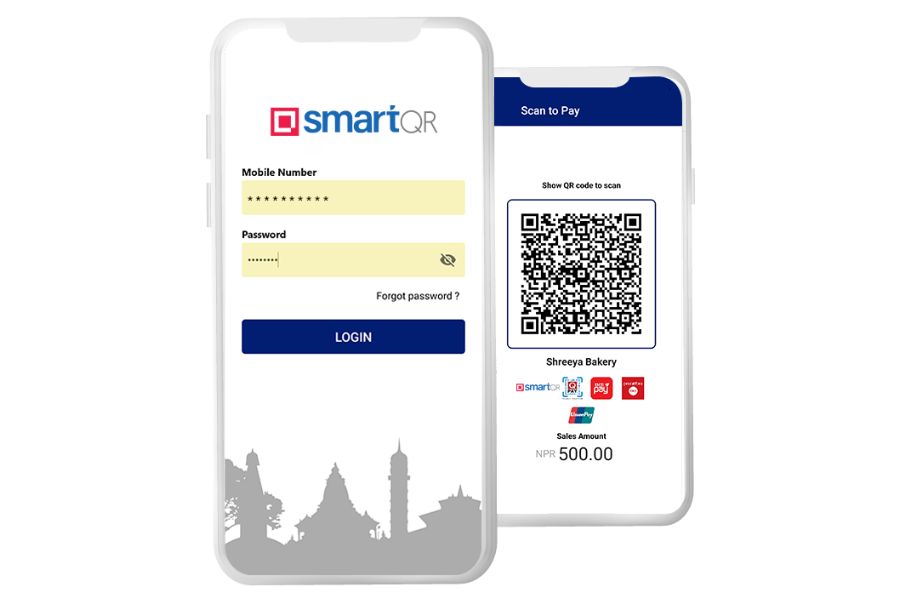
- Developed by Smart Choice Technologies Pvt Ltd.
- 36 BFIs + Wallets
- Support on fewer mobile banking apps, wide support on all other digital wallet apps except eSewa
Business QRs in Nepal: Pros and Cons
| QR System | Pros | Cons |
|---|---|---|
| Fonepay QR |
|
|
| NepalPay QR |
|
|
| SmartQR |
|
|
- Also Read:
How to know which Business QR support is available on your payment app
As I mentioned at the start, not all mobile banking apps or digital wallets have support for the three business QRs discussed above. But it's pretty easy to find out, and here's how:
- Open your mobile banking app or digital banking app
- Tap on the QR scan options.
- There, you can say a single or various icons showing FonePay, NepalPay, and Smart QR.
- The number of icons shown on the screen indicates the payment support for the business QR type shown.
Or, how about a visual example to make it easier to understand? Have a look at the image below.
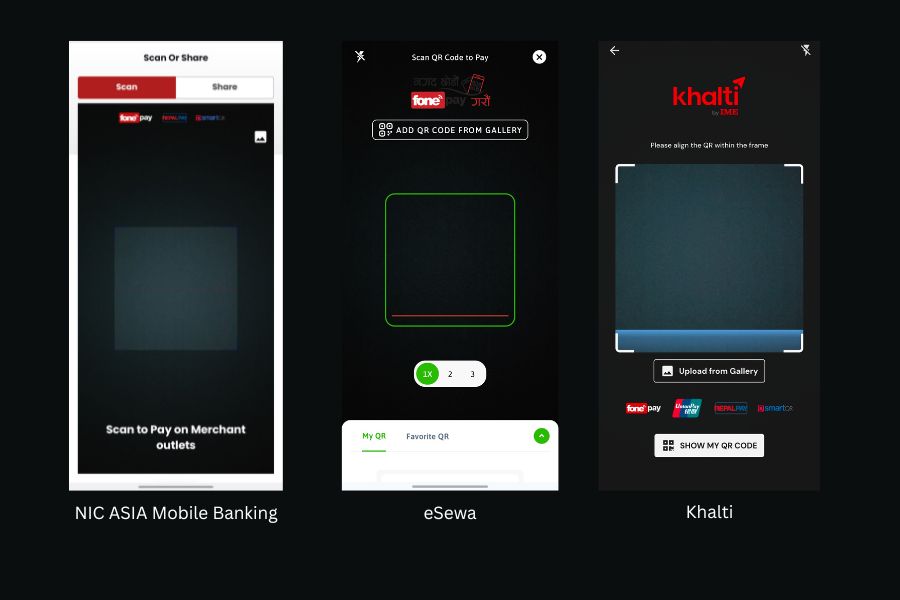
First, you can see NIC Asia's mobile banking app's QR scan mode, which clearly displays the logos of FonePay, Nepal Pay, and Smart QR. That means I can pay at three Business QR standees without any hassle. Likewise, eSewa only supports Fonepay, so it can't be used to make payments with NepalPay or Smart QR. Meanwhile, if you look at Khalti, it also supports all three business QR codes, as well as UnionPay. Here's how to learn about business QR support in your payment app and set it up to minimize hassle.
Article Last updated: March 18, 2026
![Best Ultrabooks To Buy in Nepal [Updated 2026]](https://media.gadgetbytenepal.com/2025/11/Best-Ultrabooks-to-Buy-in-Nepal-2025.jpg)
![Asus ROG Strix SCAR 18 (2025) Price in Nepal [Updated]](https://media.gadgetbytenepal.com/2025/08/Asus-ROG-Strix-Scar-18-2025-Price-in-Nepal.jpg)
![Asus Laptops Price in Nepal 2026 [Updated]](https://media.gadgetbytenepal.com/2023/07/Asus-Laptop-Price-in-Nepal-2023-Updated.jpg)