Why Trust Gadgetbyte?
At Gadgetbyte, we invest substantial hours into rigorously testing each product or service we review, guaranteeing that you make informed purchases. Learn more about our testing process.
Review Overview
4
Design & Build
8/10
Display
8.5/10
Performance
7.5/10
Back Camera
7/10
Front Camera
7.5/10
Software & UI
8/10
Battery
8.5/10
Audio
9/10
Value for Money
8/10
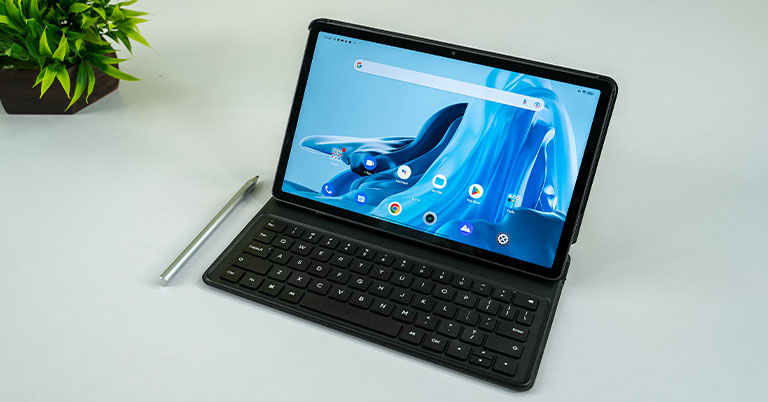
Realme Pad X introduces a few new additions to the company's tablet lineup, including a compatible stylus and keyboard support. And although its overall experience isn't necessarily bad, the paired accessory doesn't quite justify its value in terms of productivity. Instead, the company should've brought some actually meaningful upgrades to compete against Xiaomi Pad 5.
In this review, I will be taking an in-depth look at the Realme Pad X. Realme’s Pad series has been home to some really good value-for-money Android tablets. Both the first-gen Realme Pad and the Pad Mini justified their value proposition perfectly. But after a couple of budget devices, Realme has stepped up its game in the tablet arena with the new Realme Pad X. This is the first 5G tablet from the company, as well as the first one to introduce a compatible keyboard and stylus accessory. And Realme is targeting this slate towards creatives and productivity-focused users who want a tablet that can do more than just casual web surfing and multimedia consumption.
Realme Pad X Specifications:
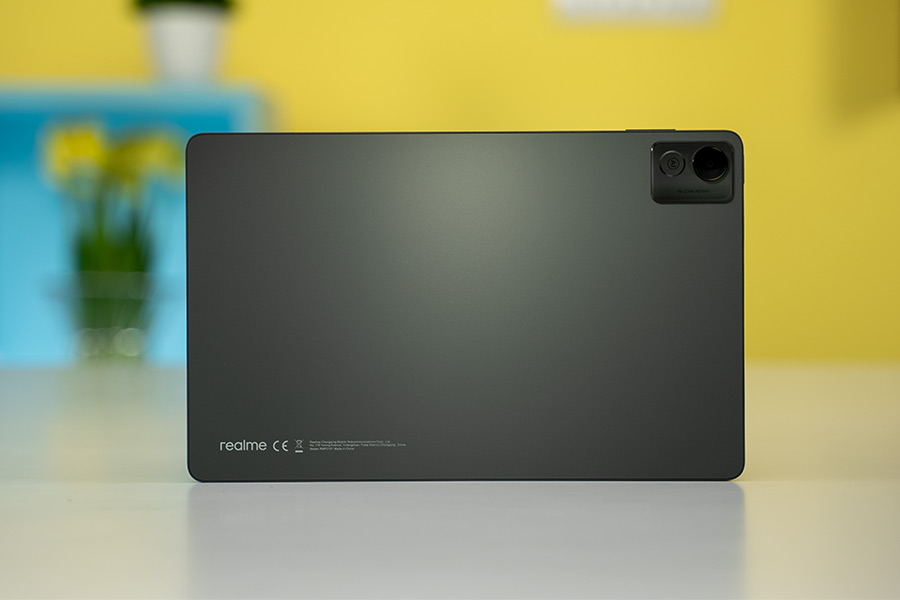
- Body: 7.1mm thickness, 499 gm
- Display: 11-inches IPS LCD panel, 450 nits brightness
- Resolution: 2K (1200 x 2000 pixels)
- Chipset: Snapdragon 695 5G (6nm)
- CPU: Octa-core (2×2.2 GHz Cortex-A78 & 6×1.7 GHz Cortex-A55)
- GPU: Adreno 619
- Memory: 4/6GB RAM, 64/128GB storage
- Software & UI: Android 12 with Realme UI 3.0 on top
- Rear Camera: 13MP f/2.2 sensor
- Front Camera: 8MP f/2.0 sensor
- Audio: Quad speaker setup, Dolby Atmos
- Battery: 8340mAh with 33W charging
- Price in Nepal: N/A (Starts at INR 19,999 in India)
Realme Pad X Review:
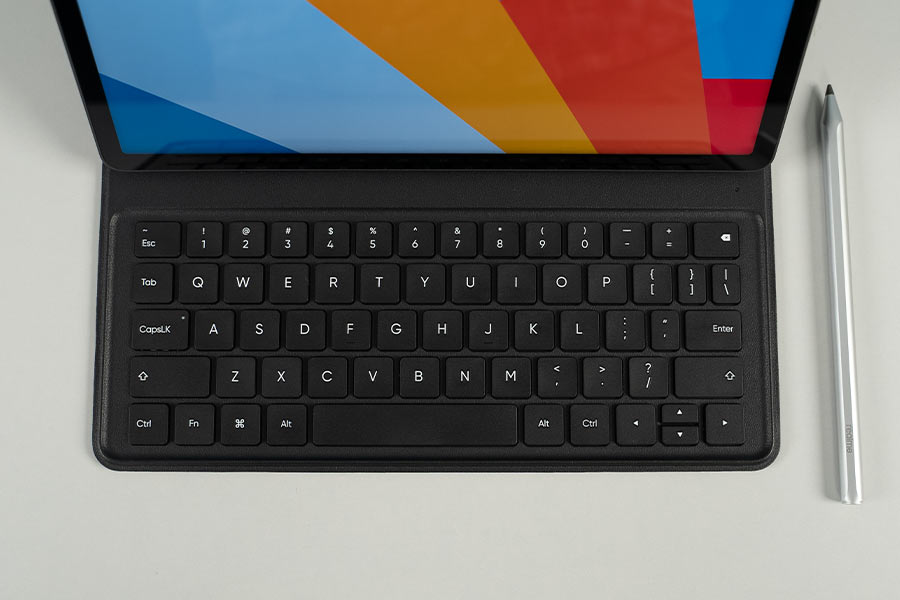
So to put that to test, I hurriedly shifted from my laptop to the Realme Pad X as soon as I got it. And lucky for me, since I was already used to Alldocube’s 2-in-1 Windows tablet, the smaller screen real estate here didn’t require much readjustment either. However, if you’re accustomed to a 15 or 16” machine, this isn’t a leap you would want to make.
Limited usage
I know that Android lags far behind the versatility of a Windows OS or even the iPadOS. But the very least Realme could do here is to add a desktop-like feature, similar to Samsung’s DeX or Xiaomi’s PC Mode. Android OS in itself can’t match or deliver an experience comparable to that of your regular desktop. I mean, even Realme is advertising it just for typing and a few multifunctional shortcut keys. That’s all! Not to forget, there’s no built-in trackpad here either which means I have to carry a wireless mouse all the time. At this point, I could just switch back to my laptop and be done with it. Yeah, yeah, I could use the Realme Pencil stylus instead, I know, but… just look at this.
Hit-Or-Miss
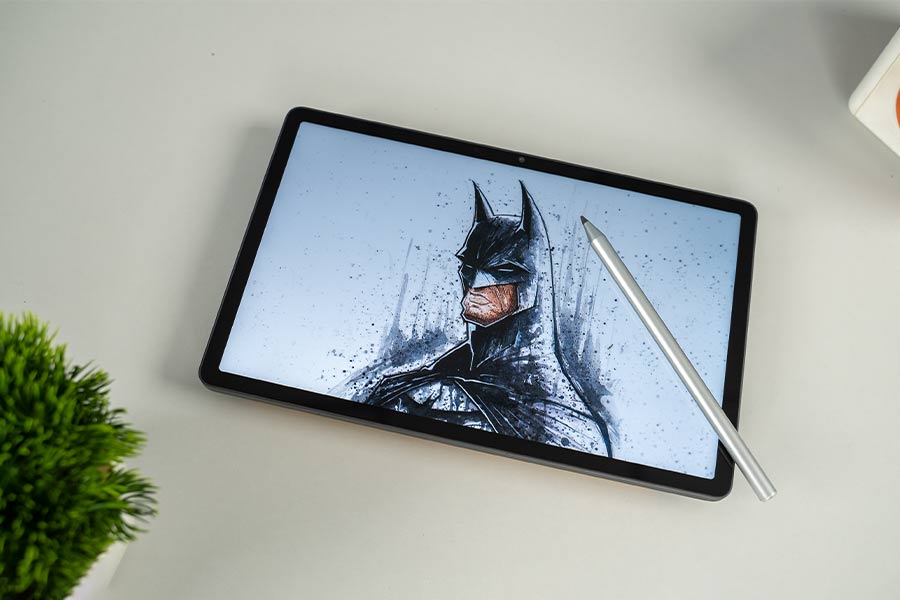
For some reason, our unit of the stylus breaks down mid-stroke and everything you draw or sketch ends up with an uneven and unintended pattern of dotted lines. No matter what style of brush you’ve selected. So we also tried a third-party stylus from WiWu and guess what? That one worked perfectly fine!
Design
Display
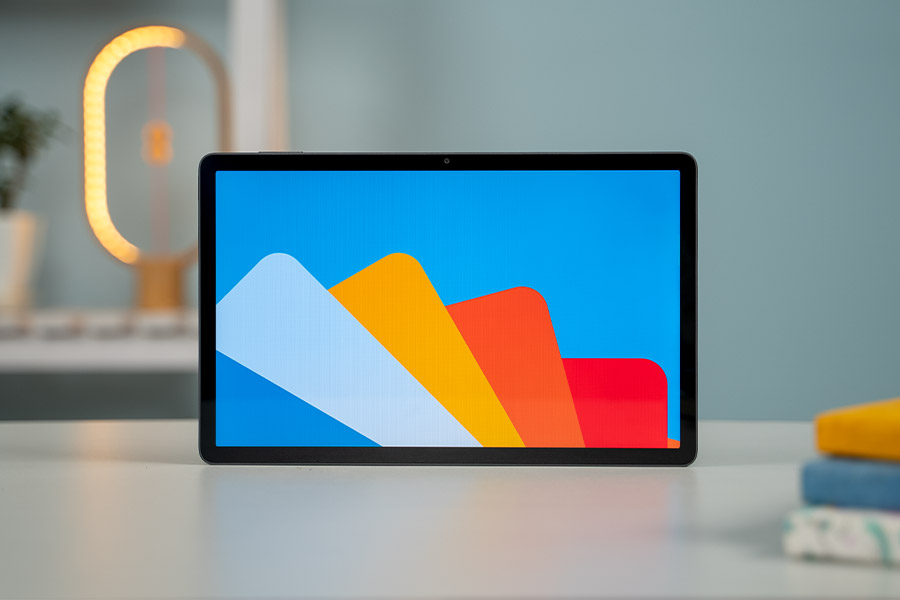
Over on the display, Realme has delivered the goods with a nearly 11-inch 2K IPS screen. Although the contrast level especially takes a slight hit in comparison to OLED panels, everything from color reproduction to their vibrancy looks real good on this display.
Battery
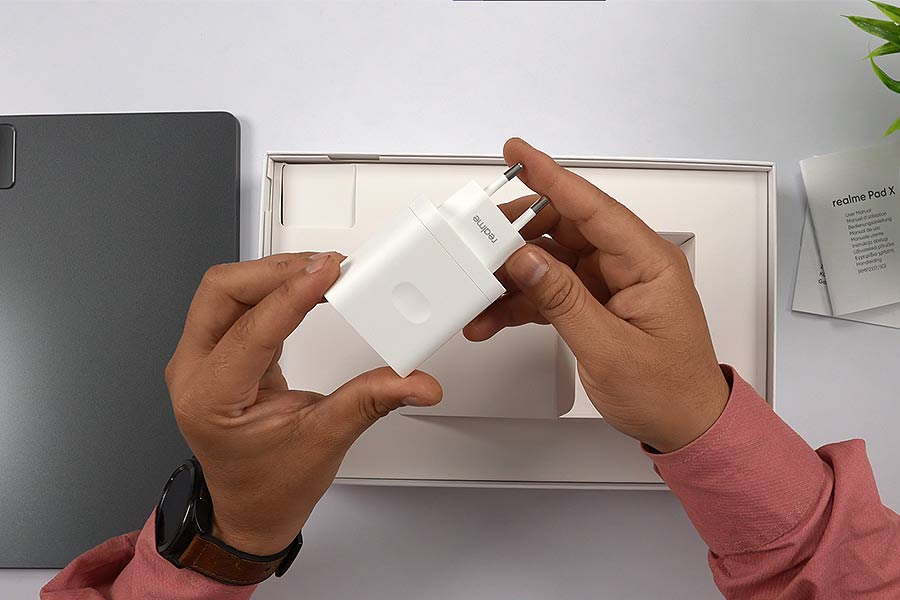
But this low refresh rate panel does come advantageous from a battery standpoint. Realme says the tablet’s big 8340mAh battery can provide 19 hours of video streaming, and with that benchmark, I was easily expecting a two-day battery life here.
Performance
On the performance side of things, the Realme Pad X is powered by Snapdragon 695. We've seen this chip in action in several mid-range phones in 2022, so we’re pretty much familiar with its performance. To put it briefly, it's adequate for your casual web surfing or Instagram scrolling action. But one can easily notice slight stutters—especially when navigating through the recent menu—with a couple of lightweight and heavy apps running in the background. More so, despite having 6GB RAM plus 5GB of virtual RAM, I am surprised to see it suffer from memory management issues as well.
Realme UI for Pad
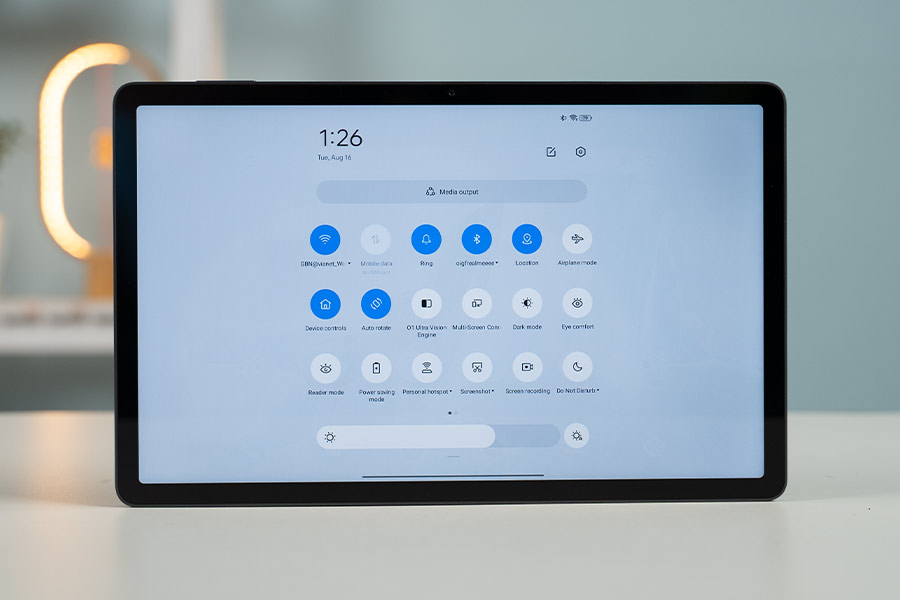
If my memory serves me right, this was not the case with the first-gen Realme Pad. So this might simply be because of the new Realme UI 3.0 for Pad based on Android 12. Hopefully, Realme can do something about it with an update or two.
Camera
There’s also a cool new software feature for the selfie camera this time around. The Realme Pad X houses a 105° wide camera on the front that supports a feature called “Limelight” to keep you in the center of the frame during video calls and meetings. Simply put, this is Realme’s answer to Apple’s Center Stage found on iPads.
Realme Pad X Review: Conclusion
We’re now at the end of this review and I think I have shared all my experience with the Realme Pad X by now. Like I said earlier, it doesn’t really make sense as a value-for-money device when coupled with the official accessories. And if you do decide to get it, I would only recommend the base Wi-Fi-only variant. Because as you go higher up the ladder for the 5G variant, its value proposition begins to go down. For a similar price, you can get the Xiaomi Pad 5 instead which offers a nicer display and far superior performance thanks to the flagship-grade Snapdragon 860 chipset. Likewise, the 9th Gen iPad, which is currently available in India for around Rs. 28,000 and will offer you a far superior experience in every way.
Realme Pad X Review: Pros and Cons
Pros:
- Evenly distributed weight
- Vibrant IPS display
- Improved software experience
- Impressive battery life
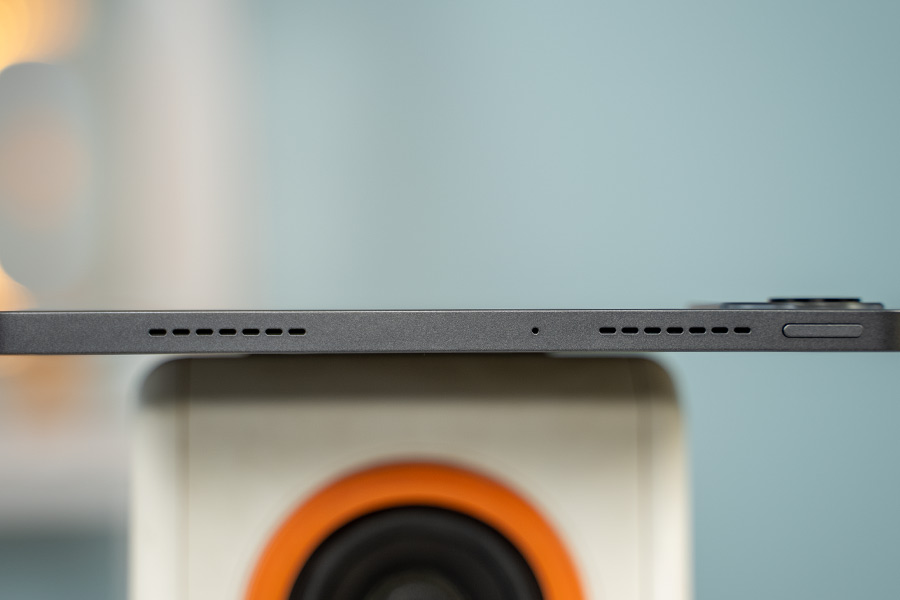
- Amazingly good speakers
Cons:
- Standard refresh rate screen
- Memory management issue
- Limelight feature is limited to certain apps
- Accessories do not provide good value for money
Article Last updated: November 23, 2025