Whenever you're buying something, it's a good idea to have some info beforehand. This it truer in case of electronics, gadgets and computer equipment. And so, here are a few things you need to look out for before buying a graphics cards. If you don't have a PC already - take notes. And if you already have one, this info will come in handy for your next one. After all, a GPU is an expensive investment. If you want to game and have better viewing experience, these are a must, because Intel's Integrated Graphics are as useful as a fork to have your soup. So, here's a simple graphics card buying guide. For the novices, let me just clarify that there are two major (or only) players in the GPU market - AMD and NVidia. Of course, there are OEMs like Asus, Gigabyte, MSI, EVGA, Zotac and a few others, with their own GPUs. But, all of them employ the same basic chip from AMD or Nvidia. The OEMs are actually responsible for making circuit boards, cooling systems alongside to market their own products. They are allowed to tweak the chips up to a certain extent, which is a pre-established number by the chip makers. And more often than not, AMD and Intel both commission assembly plants to create completely functioning GPUs, known as reference cards. That gives the OEMs an idea on how to power, connect and cool their chips. But the reference cards usually don't live up to or benchmark on par with the OEM's, but they're still available for purchase. With that said, here are a few things you need to consider before actually buying a new shiny GPU.
Budget
It is always a good idea to start with a budget. Set aside a maximum amount of money you can spend on this particular piece of hardware. Usually, the amount to spend should account for 35-40% of the total cost (of the PC). But that's variable to your needs, because these cards can cost anywhere from $75 yo over $1200. So, just set up your mind on how much you can spend on a GPU, the following points should take care of the rest. Also Read: MSI Graphics Cards Price in Nepal
Specifications
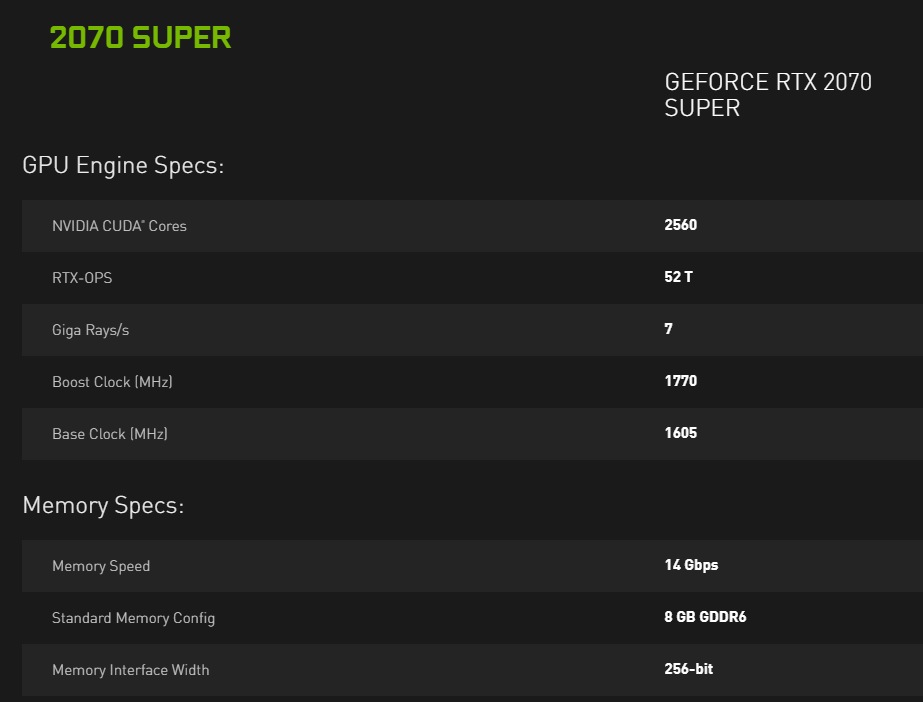
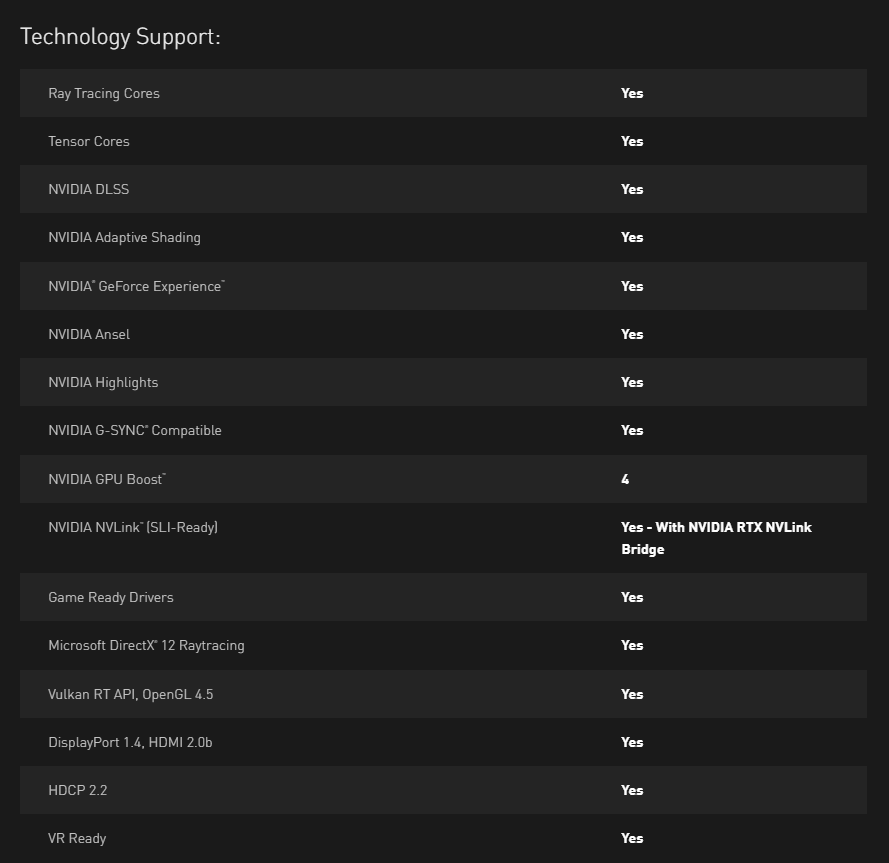
It goes without saying, the specifications of a particular graphics plays a vital role in the decision-making process. But then again, if you glance upon the spec sheet for a particular GPU, there's always an overwhelming number of variables. Take for example this complete specs sheet for the RTX 2080 SUPER over at Nvidia's official website. There is the GPU engine specs, memory specs, display support all way to the dimensions of the graphics card itself.
Bottlenecks
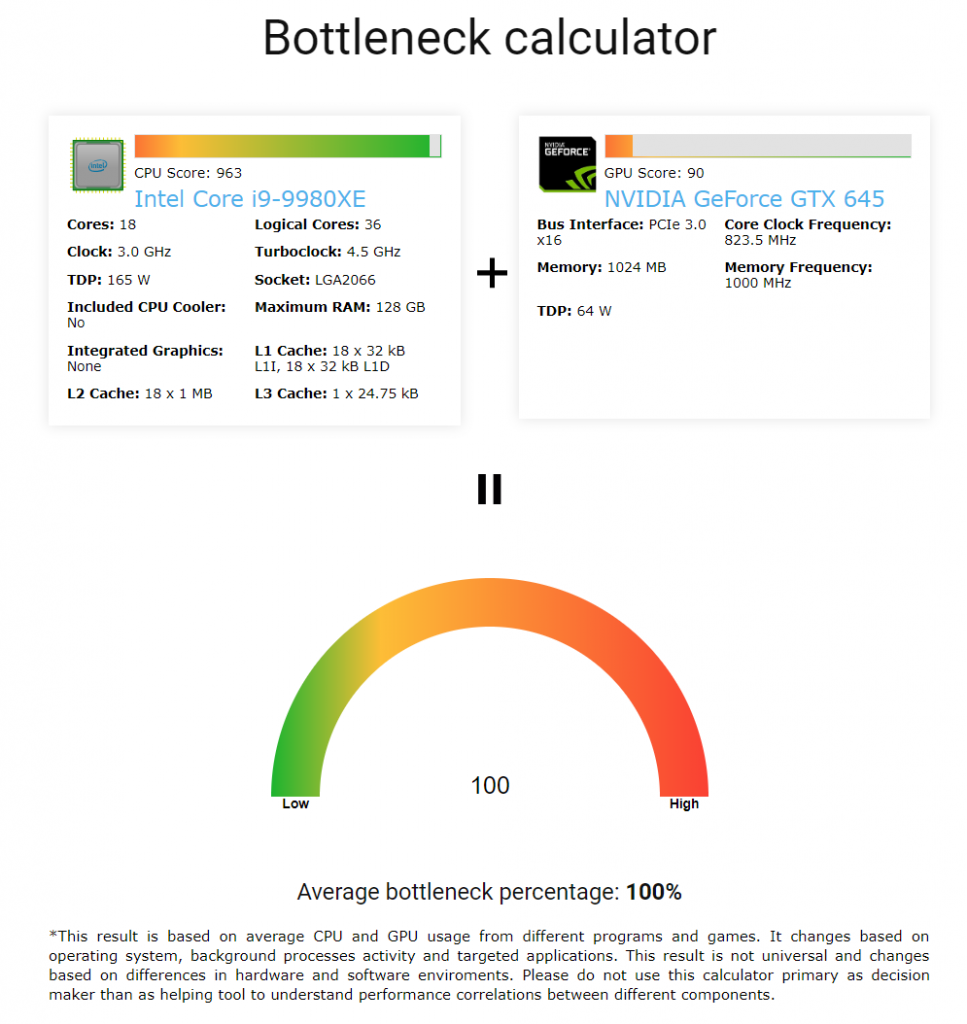
No matter how powerful your graphics card might be, it always depends on your CPU to fully utilize its potential. If your processor cannot process enough data and transfer it to your GPU, your end result will suffer. Bottlenecks can occur in many forms. Maybe your manufacturer claimed 150 fps on certain titles but your maximum fps hovers around 80 fps or maybe the game-play just isn't smooth...
OEM Packaging
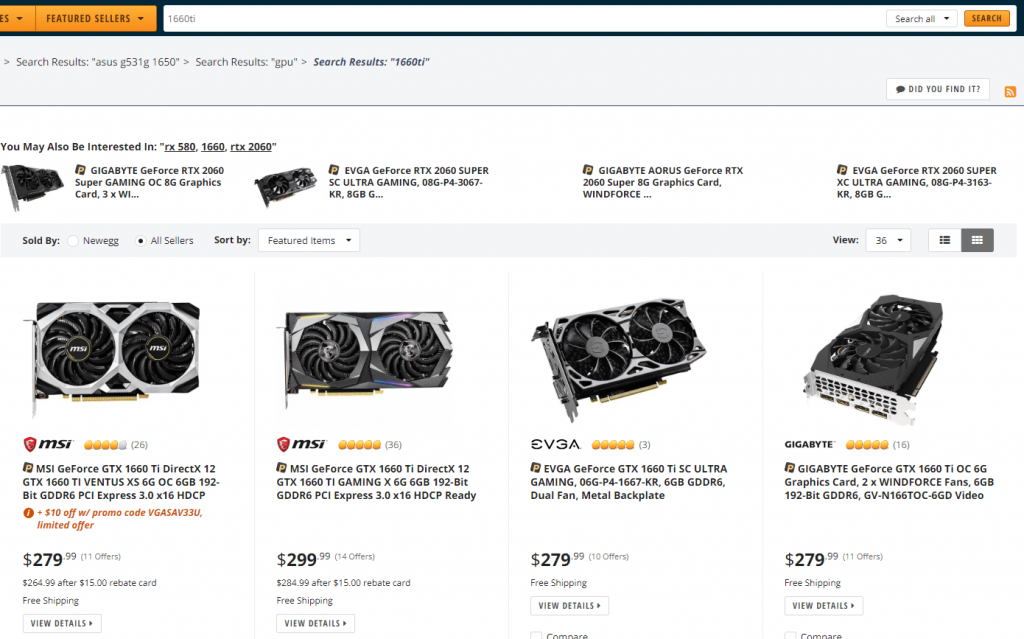
"OEMs are typically manufacturers who resell another company's product under their own name and branding" - Webopedia. As already discussed, the manufacturers can put their own heat sinks, circuit boards, and third-party add-ons. Even after you decide on a graphics chip, the actual buying process still has a few steps. Maybe you searched online for the particular chip only to be bombarded by a bunch of models for the graphics chips all under different models, housing, prices, and different manufacturers altogether with different specs.
Compatibility
There are basically two things you need to consider in the compatibility department. The first is the power supply. A GPU requires lots of power and your PSU (Power Supply Unit) is responsible for delivering just that. Make sure your PSU has enough power throughput to support your new GPU. You can check the requirement of your GPU for the minimum wattage it needs to function. If you are buying a new CPU altogether, try and get a PSU with more than the minimum requirement so you have more flexibility for upgrades later.
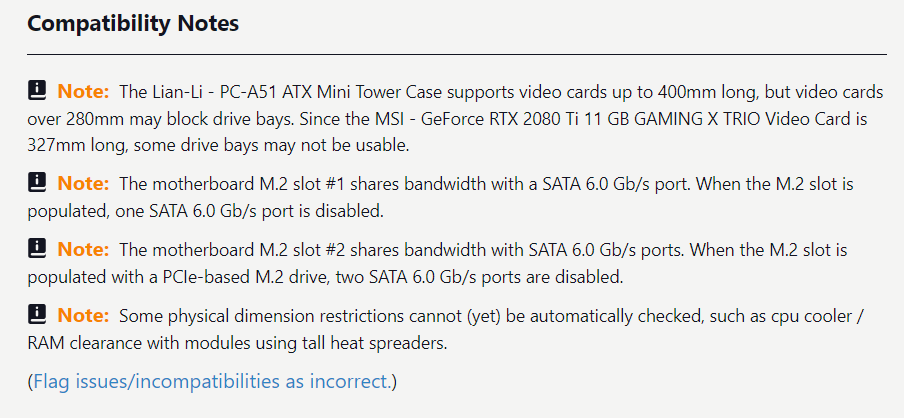
- Go to https://pcpartpicker.com/list/
- Choose your casing, GPU and PSU
- Look out for any compatibility issues in their notes section
- Try a different configuration to solve the issue
Conclusion
Other than that, if you are a new system builder, it's always a good idea to run it through the above-mentioned website (this) so you don't face any compatibility issues. The other thing not mentioned here is Nvidia's SLI or AMD's Crossfire. You really shouldn't be looking at multi-GPU setup unless even the top end graphics card has failed to deliver as per your requirement. There are other uses for it but it basically can deliver anywhere from 20-90% more power as compared to a single GPU setup depending on the drivers, the card itself or the link itself. But we still recommend, even after you have found the perfect GPU for yourself, check out a few reviews first.
Article Last updated: November 26, 2025