Looking for the best RAM price in Nepal? This guide covers all RAM available in 2026, along with updated prices and the reasons behind the recent price increase!
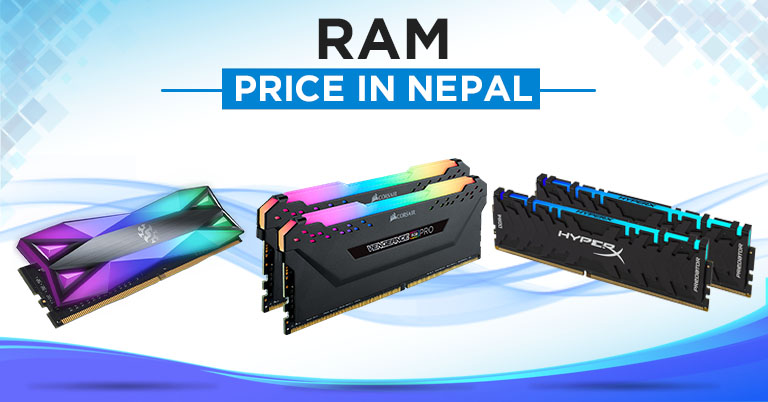
So you're looking for RAM in Nepal and want to know the best deal? But here's the honest truth: RAM prices are skyrocketing right now all over the place. A 16GB kit that cost Rs. 12,000 six months ago might be Rs. 15,000, or even Rs. 16,000 at the same shop today. That's not because the shopkeeper is being sneaky or wants to earn more profit. There's a real reason behind it, and we'll get into it.
In this guide, I have covered current RAM prices in Nepal for all major brands, including Corsair, G.Skill, HyperX, Crucial, Team Group, Vcolor, and XPG.
What is RAM and what does it do?
RAM (Random Access Memory) stores all information related to processes and threads. When you run a program on a computer, related data and files (otherwise known as the pagefile) need to be loaded into the RAM. The system then uses the data in processing to give you the result you require. Some programs require more RAM than others. Generally, high-end games and programs that handle large media files require more RAM. Not having enough RAM may result in a laggy experience. It can even cause freezing and random restarts. At times, your system will also display a “Memory Getting Low” error message.
Why Are RAM Prices Going Up in Nepal in 2026?
- AI companies are buying all the memory: Big tech and AI companies are building massive AI servers, and they need a ton of RAM chips. So companies like Samsung, Micron, and SK Hynix, which are pioneers of DRAM, are making more of that instead of your regular PC RAM. Even Micron has shut down its consumer-level brand, Crucial, entirely, shifting toward the AI data center and enterprise markets. So, Less PC RAM made = less available = price goes up.
- DDR4 is slowly dying: Manufacturers like Micron, Samsung, and SK Hynix are aggressively phasing out DDR4 RAM throughout 2025/26 to focus on DDR5. But major PC builders in Nepal still use DDR4. So we have fewer sticks being made and more people trying to buy them.
- Nepal depends on imported RAM: Every single RAM stick in Nepal came from South Korea or Taiwan. So whatever happens globally, like the price hikes, shortages, or currency shifts, we are directly impacted. And even if the rupee drops against the dollar, RAM gets more expensive overnight.
- RAM doesn't have a fixed price like other products: Let's take an example of a smartphone, which has an actual MRP, whereas the RAM doesn't. Importers buy it at the market rate for that week and sell it at a higher price based on current market conditions.
How Much RAM Do You Actually Need?
| Your Use Case | Minimum | Sweet Spot |
| Browsing, YouTube, music, social media | 8GB | 8GB |
| Office work + light multitasking | 8GB | 16GB |
| Gaming (most titles 2024-26) | 16GB | 16GB |
| Streaming + gaming simultaneously | 16GB | 32GB |
| 4K video editing | 32GB | 64GB |
| 3D rendering, AI tools, virtual machines | 32GB | 64GB+ |
Windows 11 officially requires 4GB of RAM, but we recommend 8GB as the minimum. Linux enthusiasts can use it with 2GB of RAM, but if they want, they can aggressively go down to 512MB of RAM. But if you're building a gaming PC, go straight to 16GB, as most AAA titles from 2024 onwards require it.
Things to consider before upgrading RAM in Nepal
There are a few considerations to keep in mind when upgrading RAM in a system. While it is not applicable to PCs, there are laptops where RAM upgrades are not possible. This is mostly the case with Ultrabooks and thin-and-light notebooks, where manufacturers solder the RAM directly to the motherboard to save space for other components. If your system has replaceable RAM, you can consider upgrading it. A lot of it will depend on your systems, such as the number of sticks that can be inserted, the maximum capacity, and the form factor (DIMM/SODIMM).
Which Should You Buy: DDR4 or DDR5 in Nepal?
| DDR4 | DDR5 | |
| Availability in Nepal | Good, as most shops have stock | Quite limited compared to DDR4, as only selective importers |
| Compatible platforms | Intel 10th-12th gen, Ryzen 3000-5000 | Intel 12th gen+, Ryzen 7000+ |
| Gaming performance gap | Solid enough to handle every game out there | Slightly better at very high framerates, but most people won't notice below DDR5-6000 |
| Sweet Spot Speed | 3200MHz – 3600MHz | 6000MHz |
| Worth upgrading to? | No, don't switch platforms just for DDR5 | Only if you're buying a new motherboard |
| Buy if... | You're upgrading an existing PC | You're building a brand new PC from scratch |
Is mixing RAM harmful?
The best practice is to use identical RAMs in a system. Most RAM manufacturers sell RAM sticks in pairs or kit packages, and you can find them in Nepal as well. These are the best options if you are planning a new PC Build. But if you are upgrading an existing system, you might be tempted to use newer RAM with older ones. And it won’t be a problem if you are using RAM modules of the exact same model. But mixing two RAM modules of different origins can cause problems. Theoretically, you can get away by using a stick of the same speed and voltage. Mismatching RAM sticks of different speeds will result in the faster stick running at a slower speed to match the other stick. It’s the same if you mix RAM sticks of different voltages.
Single vs Dual Channel Configuration
Another factor to consider during a RAM upgrade is the channel configuration. System memory can run either in a single-channel or a dual-channel configuration. To make the best of your memory, make sure to install it in a dual-channel configuration. But the process is not as simple as slotting in two memory sticks. Modern motherboards can have more than two memory slots, with certain slots designed to work together.
Thus, you need to go on a deep dive into your motherboard specifications to figure out which slots to use. It’s possible to use higher-storage RAM with a lower one. In this case, the lower-capacity RAM will pair with a certain portion of the other stick in dual-channel RAM. The remaining portion of the higher-memory RAM will operate in a single channel. This is also called Flex Mode. PC in Flex Mode won’t work as fast as in a dual-channel configuration. However, if you are upgrading an old system, it should not be a major concern.
Memory Timing and CAS Latency
DRAM manufacturers tend to prioritize speed over other parameters. And for most users, it is all that matters. However, advanced users, such as those into overclocking, also pay attention to Memory Timings. You see, the frequency on the product box is at its maximum. Most often, the RAM won’t run at the advertised speed right out of the box — the actual speed depends on the RAM standard and motherboard compatibility. To use the full potential of your RAM, you need to overclock it.
In this context, overclocking means tweaking RAM timing. In simple terms, timing refers to the interval during which the RAM operates. It is often represented as a set of four numbers separated by a dash (“-”). For example, you might encounter a memory with 16-18-18-36 timing. Each number represents a specific phase of RAM’s internal operation. The most popular parameter of the four is the CAS Latency. It is the first number in RAM Timing and denotes the number of delays (in the clock cycle) between a data being requested and the time that RAM starts sending the data. As a rule of thumb, the lower the CAS Latency, the better the RAM's performance. The same applies to the other timing parameters.
Is RGB necessary?
Some RAM even comes with its own RGB lighting. These RGBs do not affect performance and are there for aesthetic purposes only. Unless you are building a gaming rig to show off to your friends, you will be better off with non-RGB RAM modules.
Where to Buy RAM in Nepal — and What to Watch Out For?
Most RAM in Nepal is sold through individual importers, as there are no official brand showrooms here. You're buying from individual importers, mostly concentrated around New Road or online options like Hamrobazaar or even Daraz.
- Always ask if it comes with a local warranty. Some importers cover 1-2 years, whereas others don't.
- Buy a kit (both sticks in one box) rather than two individual sticks, which guarantees the same batch and better compatibility.
- New Road shops are often slightly cheaper than online platforms since there's no seller commission.
- If a price looks unusually low, ask for the original box, as some sellers move grey market or refurbished sticks without disclosing it.
RAM Price in Nepal 2026 [Updated]
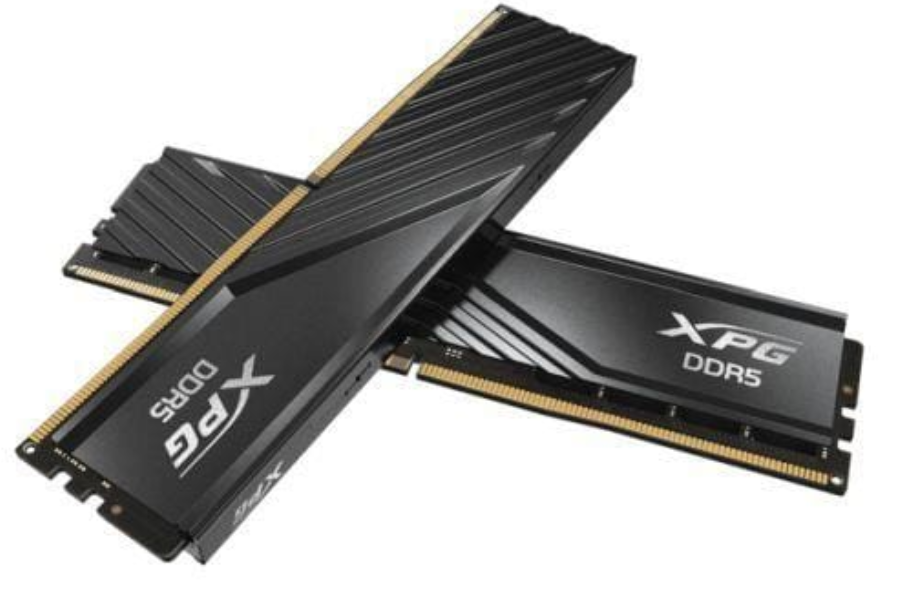
XPG RAM Price in Nepal
| Product Name | Capacity | Frequency | Price in Nepal |
| Spectrix D50G | 1x16GB | 36000MHz | NPR 16,500 |
| XPG Lancer | 1x16GB | 5200MHz | NPR 19,500 |
| XPG Lancer | 1x16GB | 6000MHz | NPR 37,500 |
| XPG Lancer Blade | 1x16GB | 6000MHz | NPR 40,000 |
| XPG Lancer | 1x32GB | 6000MHz | NPR 85,000 |
| XPG Lancer Blade | 1x32GB | 6000MHz | NPR 85,000 |
Vcolor RAM Price in Nepal
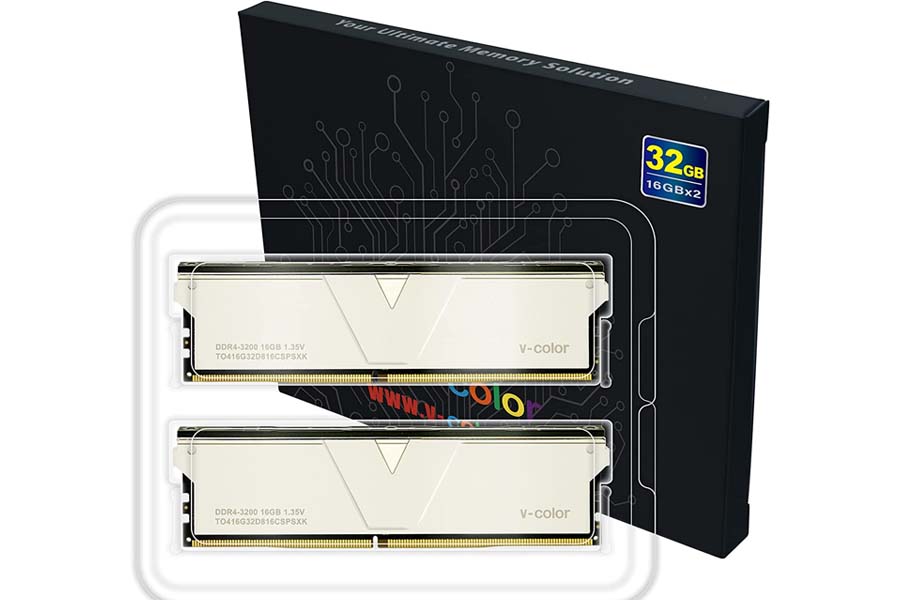
| Product Name | Capacity | Frequency | Price in Nepal |
| V-color | 1x8GB | 3200MHz | NPR 10,999 |
| V-Color Prism Pro | 1x16GB | 3600MHz | NPR 19,500 |
| V-COLOR Manta XSky | 2x16GB | 6000MHz | NPR 69,999 |
| V-COLOR OLED XFinity+ | 2x32GB | 8000MHz | NPR 128,999 |
Corsair RAM Price in Nepal
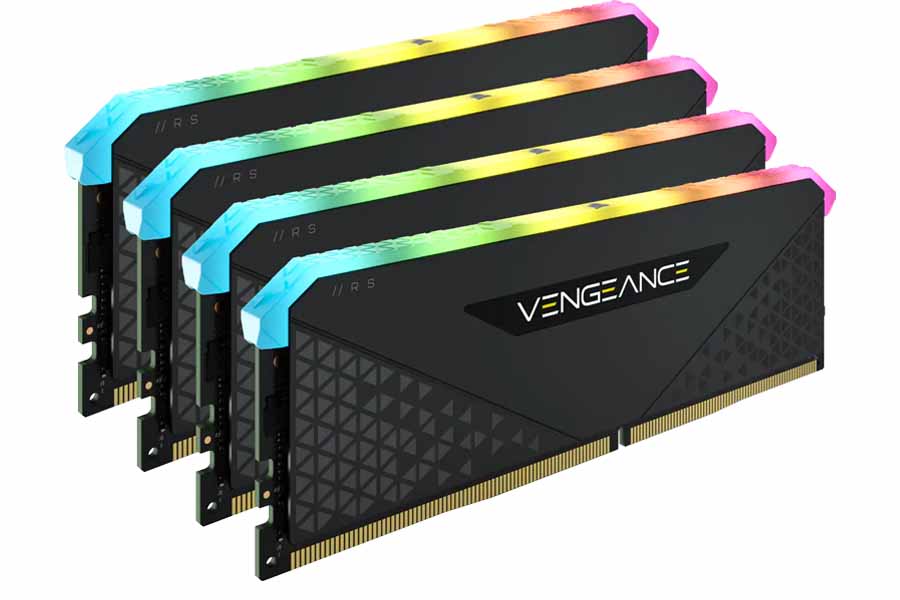
| Product Name | Capacity | Frequency | Price in Nepal |
| CORSAIR Vengeance RGB Pro | 2x8GB | 3200MHz | NPR 25,999 |
| CORSAIR Vengeance RGB Pro | 2x16GB | 3200MHz | NPR 45,999 |
| CORSAIR Vengeance LPX | 2x 16GB | 3200MHz | NPR 36,999 |
| CORSAIR Vengeance | 2 x 8GB | 5200MHz | NPR 39,999 |
| CORSAIR Vengeance | 2x16GB | 6400MHz | NPR 68,999 |
G.Skill RAM Price in Nepal
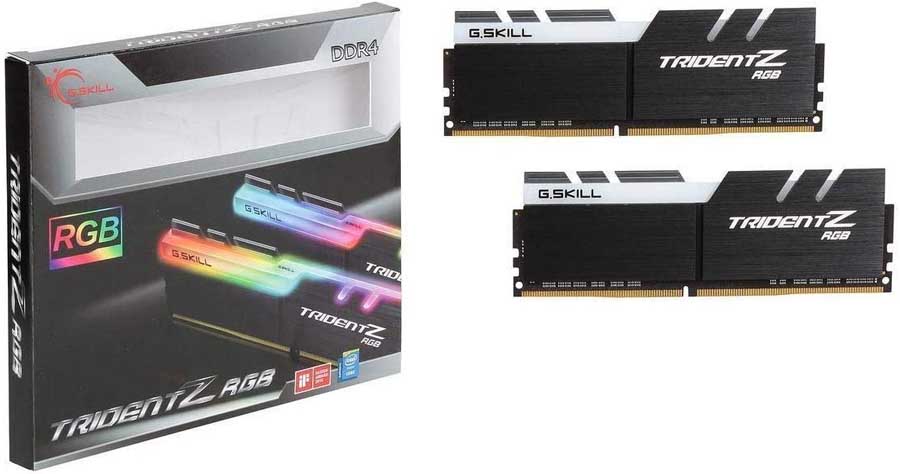
| Product Name | Capacity | Frequency | Price in Nepal |
| G.SKILL Ripjaws V Series | 1x16GB | 3200MHz | NPR 21,999 |
| G.SKILL Ripjaws V Series | 2x16GB | 3600MHz | NPR 48,499 |
| G.SKILL Flare X5 | 2x 8GB | 5600MHz | NPR 39,999 |
| G.SKILL Flare X5 | 2x 8GB | 6000MHz | NPR 37,999 |
| G.SKILL Trident Z5 RGB Series | 2x 16GB | 6400MHz | NPR 81,999 |
| G.SKILL Ripjaws S5 Series | 2x16GB | 6400MHz | NPR 76,9999 |
HyperX RAM Price in Nepal
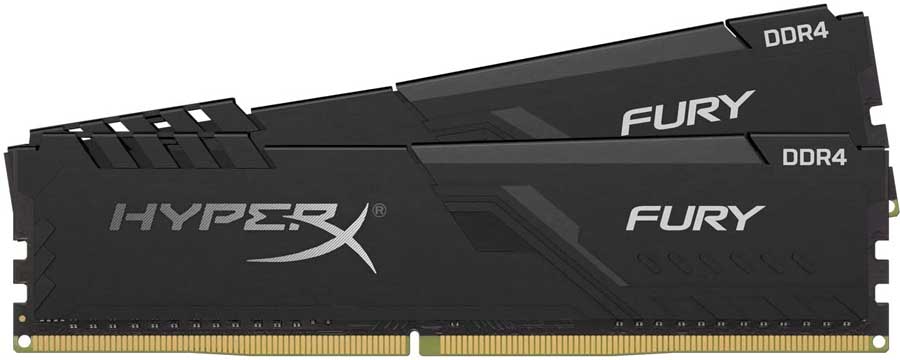
| Product Name | Capacity | Frequency | Price in Nepal |
| HyperX FURY | 1x 16GB | 2666MHz | NPR 27,999 |
| HyperX FURY RGB | 1x 8GB | 3600MHz | NPR 24,999 |
Team Group RAM Price in Nepal
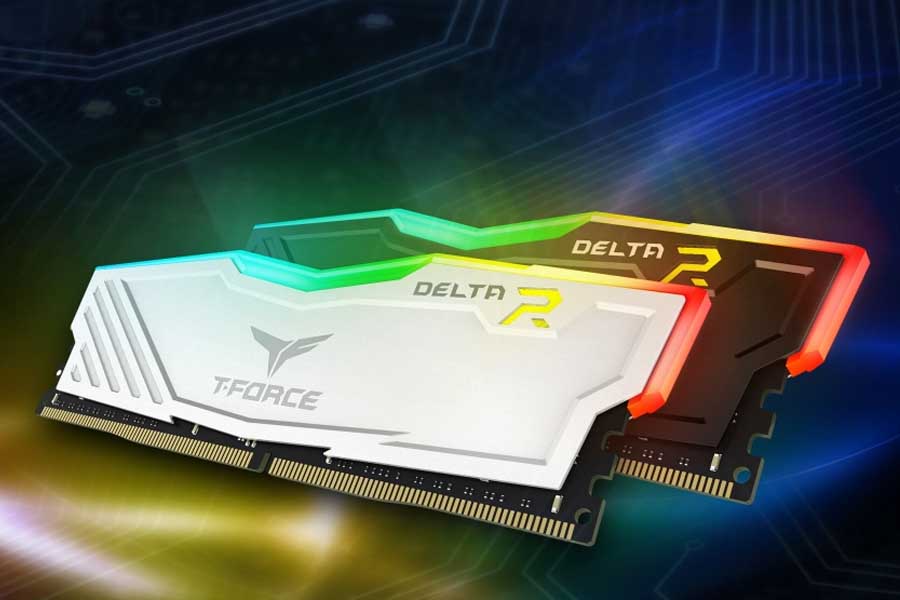
| Product Name | Capacity | Frequency | Price in Nepal |
| Team T-Force Delta RGB | 2x 8GB | 3200MHz | NPR 24,999 |
| Team T-Force Delta RGB | 2x 16GB | 3200MHz | NPR 42,999 |
| Team T-FORCE VULCAN Z | 2x 8GB | 3600MHz | NPR 24,999 |
| Team T-Force Vulcan | 2x 8GB | 5200MHz | NPR 39,999 |
| Team Group | 2x 8GB | 6000MHz | NPR 40,999 |
| Team Group T-CREATE EXPERT | 2x 16GB | 6000MHz | NPR 78,999 |
Crucial RAM Price in Nepal
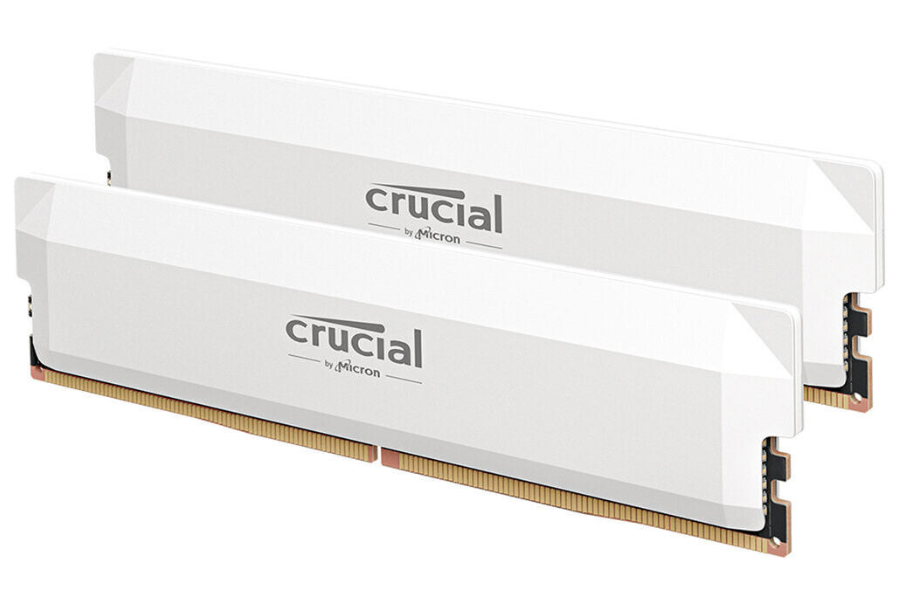
| Product Name | Capacity | Frequency | Price in Nepal |
| Crucial Pro | 2x 16GB | 3200MHz | NPR 37,999 |
| Crucial Pro | 2x 32GB | 3200MHz | NPR 73,999 |
| Crucial Pro | 2x 32GB | 5600MHz | NPR 111,999 |
| Crucial Pro | 2x 32GB | 6000MHz | NPR 123,999 |
| Crucial Pro | 2x 16GB | 6400MHz | NPR 65,499 |
Conclusion
Concluding all, buying RAM in Nepal in 2026 is not that complicated once you know what you are actually looking for. First, check your motherboard to see if it supports DDR4 or DDR5; everything else follows from there. If you're upgrading an existing PC, a 16GB DDR4 kit at 3600MHz is the sweet spot for most people right now, since it offers good performance, is available at most shops, and won't burn a hole in your wallet. If you're building fresh on a new platform, just go with DDR5 from the start so you're not doing this whole thing again in two years. For purchasing, head to New Road, walk into two or three shops, compare prices on the spot, and don't buy the first thing you see because prices vary more than you'd think between shops on the same street.
Frequently Asked Questions for Nepal (FAQs)
Besides the price of the RAM in Nepal, you might also be interested in :
Article Last updated: June 18, 2026
![Best Flagship Smartphones To Buy In Nepal [Updated 2026]](https://media.gadgetbytenepal.com/2026/04/Best-flagship-smartphones-to-buy-in-Nepal-2026.jpg)