Remember when Microsoft said that Windows 10 would be the final version of the OS? Pepperidge Farm remembers! Well, the company has officially taken its word back as it unveiled Windows 11 in an event back in June. And now, Microsoft has formally rolled out Windows 11 update to eligible devices.
Windows 11 Overview:
Getting started
Let's start with what we already knew about the OS before June's launch event. Windows 11 has gone through a design makeover with the new look drawing inspirations from the now-reductant Windows 10X.
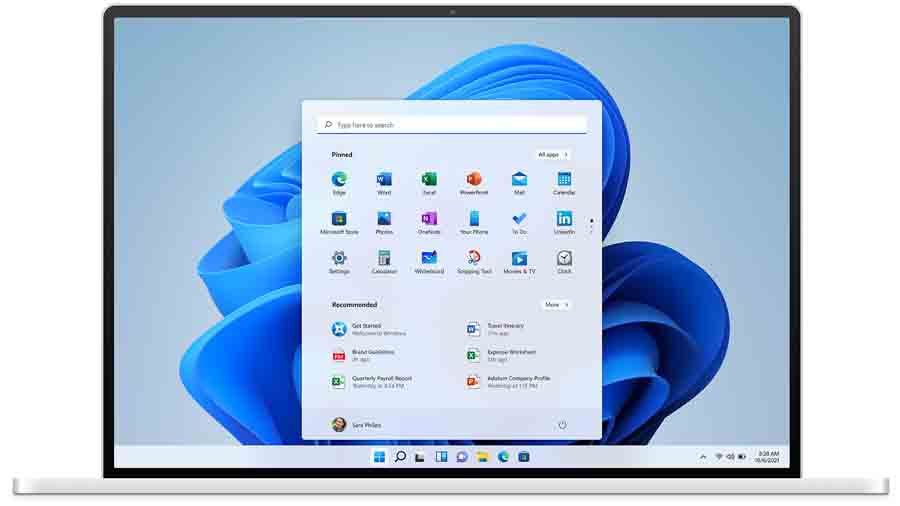
Start Menu
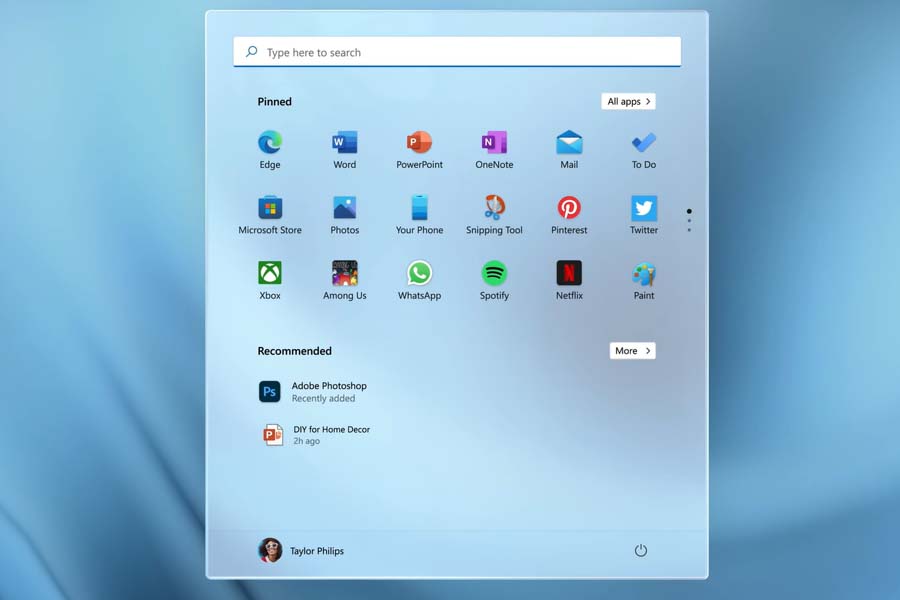
The first thing you will notice about the new Windows is the center-placed Start Menu. It may not seem that big of a change, but the Start menu can affect productivity, as it is where you will begin most of your works.
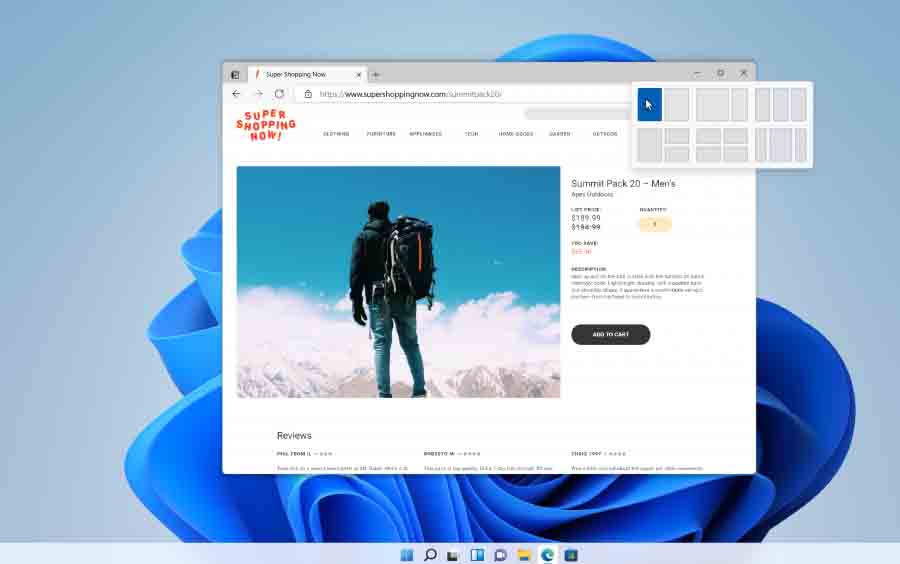
Snap Layouts and Snap Groups
Windows 11 is here to change the way you snap your apps to your screen. You can now hover the cursor over to the maximize button and choose the Snap Layouts of your choice.
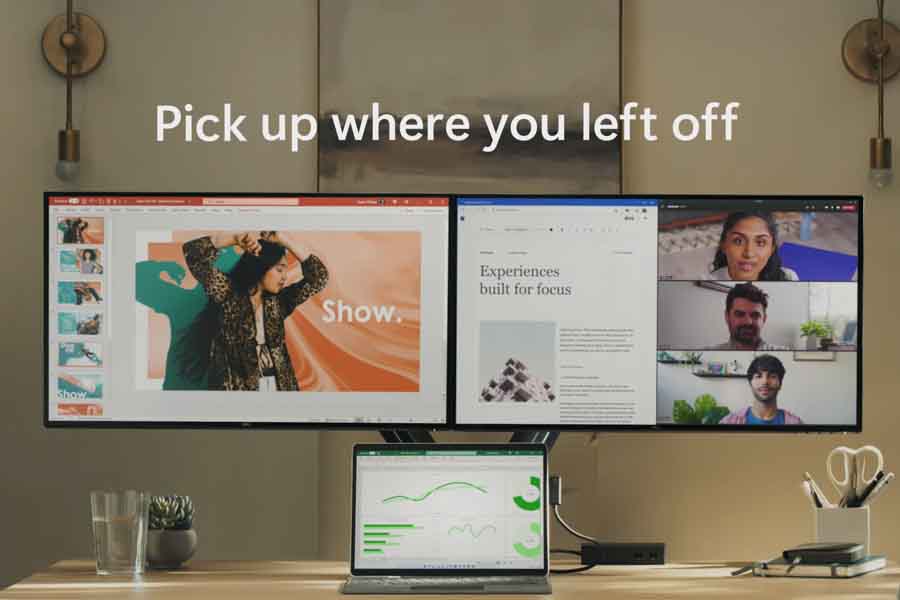
Docking
If you use multiple monitors, you would be glad that you don't need to reconfigure the screen layout. When you disconnect a secondary monitor, the windows resize accordingly. Similarly, when you reconnect the monitor, it will remember the past layout and restore it.
Flexible Inputs
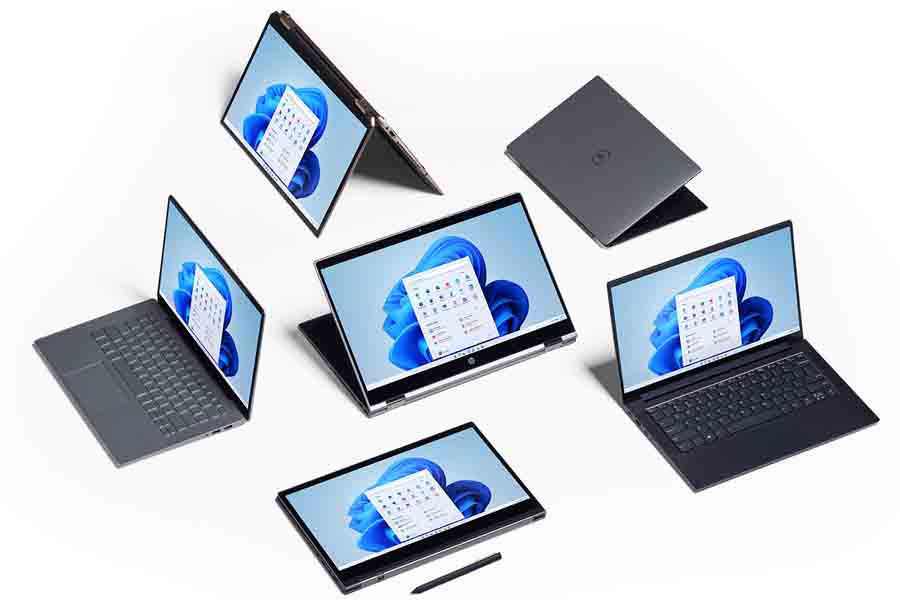
With Windows 11, you won't have a problem interacting with your PC without a keyboard. For 2-in-1 laptops, the space between the icons will widen when you detach the keyboard. Similarly, there are subtle visual cues and larger touch targets to help you move and resize windows more easily. You can even make use of gestures, as you would do with the precision touchpad.
Windows Widgets
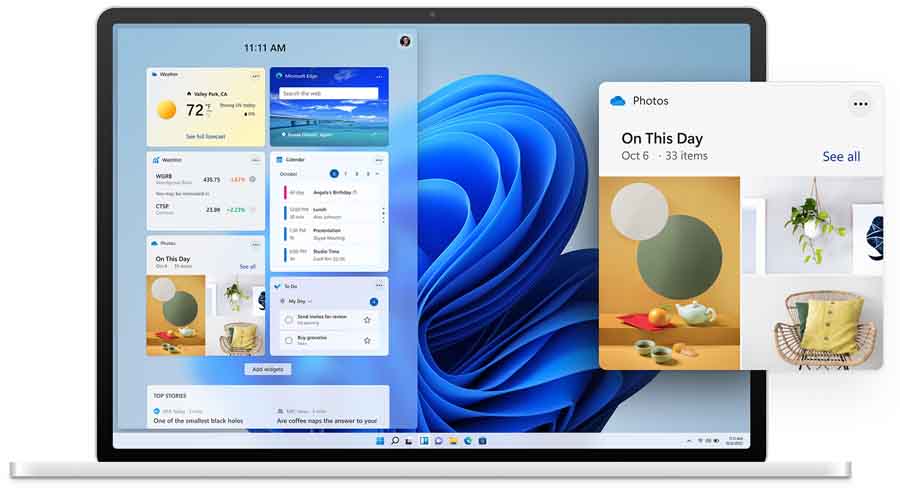
Moving on, the Widgets layer now slides over from the right side without interrupting what you have going on the screen. You even have the option to expand the layer to full screen.
- Also Read:
Microsoft Store
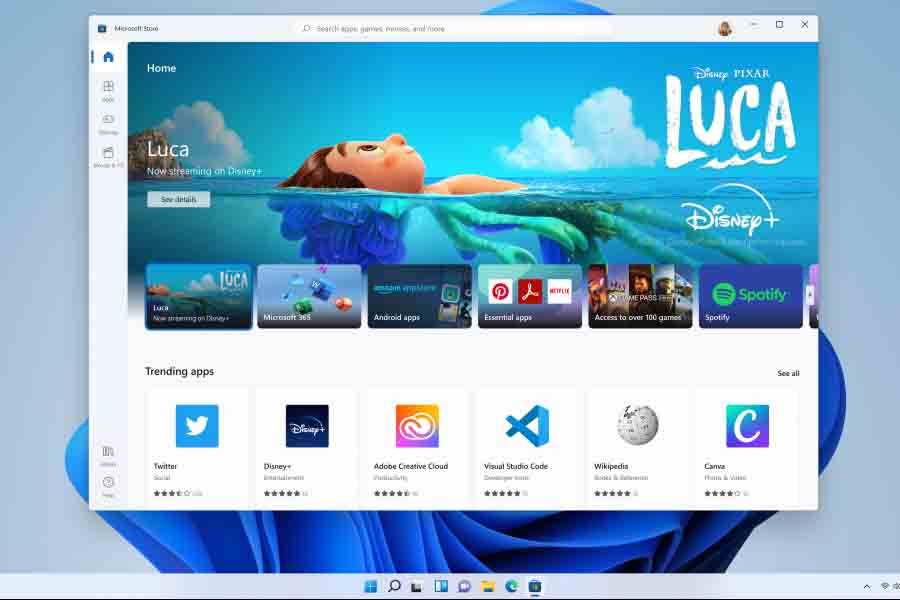
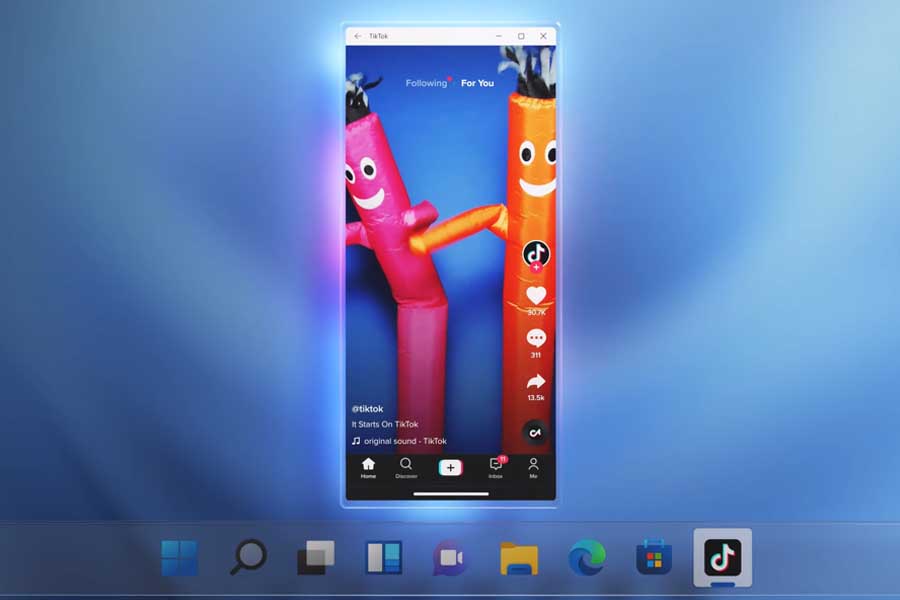
The new Microsoft Store has been built from the ground up. Developers can bring any app to the store, whether it's PWA, Win32, or UWP. Similarly, developers can use their own e-commerce engine for in-app purchases. Doing so will bring more profit as they no longer have to provide a cut to Microsoft.
Faster Connection
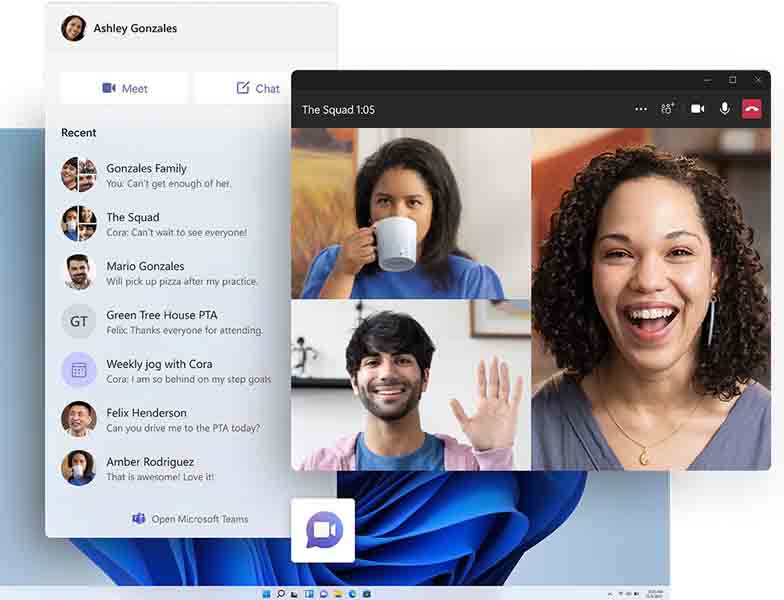
Microsoft says that browsers including Edge will run faster on Windows 11. Edge also features vertical tabs that reveal more information than the horizontal ones.
Gaming
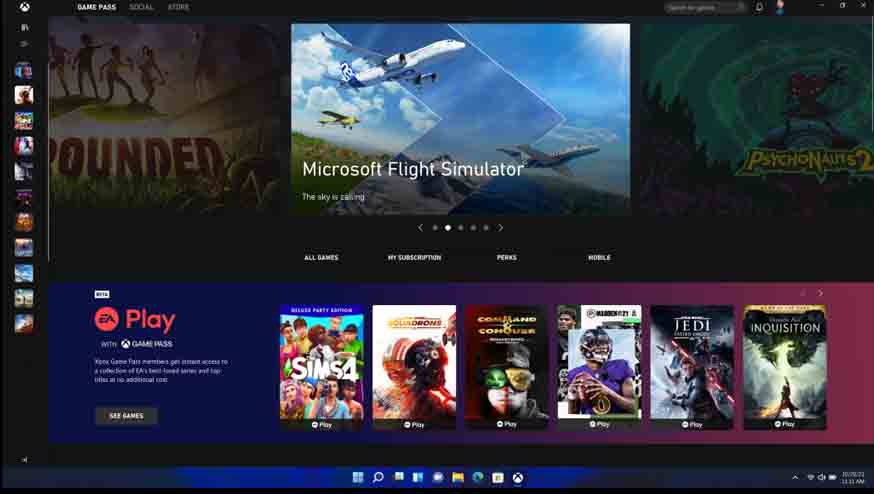
For gamers, Windows 11 inherits several features from the latest Xbox consoles. For instance, Microsoft is promising vibrant colors and lightings effects in games with Auto HDR. To gamer's delight, over a thousand different games will be able to benefit from it.
Other Optimizations
Microsoft also revealed that chip manufacturers like Qualcomm, Intel, and AMD were involved in Windows 11 development from the very start. Thus, Windows 11 is not just a new theme on top of Windows 10. Windows 11-powered machines will have better battery life, faster wake-from-sleep time, and faster Windows Hello authentication. Microsoft did not bother with the details but claimed that Windows 11 is the most secure Windows platform ever. Updates will be faster on Windows 11 too. They will also be 40% smaller and can run on background.
Windows 11 Minimum System Requirements:
- Processor: 1GHz or faster 64-bit processor/SoC with at least 2 cores
- Memory: 4GB RAM
- Storage: 64GB or larger
- System Firmware: UEFI, Secure Boot capable
- Trusted Platform Module (TPM): TPM 1.2 chip
- Graphics: DirectX 12 compatible / WDDM2.x
- Display: >9" HD
Windows 11 Rollout
The early build of Windows 11 started rolling out under Windows Insider Program back in June 2021. Now, Windows 11 is officially available for download to everyone running on eligible Windows 10 PCs as a free upgrade. But currently, not all compatible PCs will be getting the update as they're scheduled to arrive "over the coming weeks".
- Meanwhile, check out our review of the Realme Book (Slim).
Article Last updated: April 29, 2026
![Best Budget Gaming Laptops in Nepal [Updated 2026]](https://media.gadgetbytenepal.com/2026/10/Best-budget-gaming-laptop.jpg)
-Price-Nepal.jpg)